Walmart Integrations

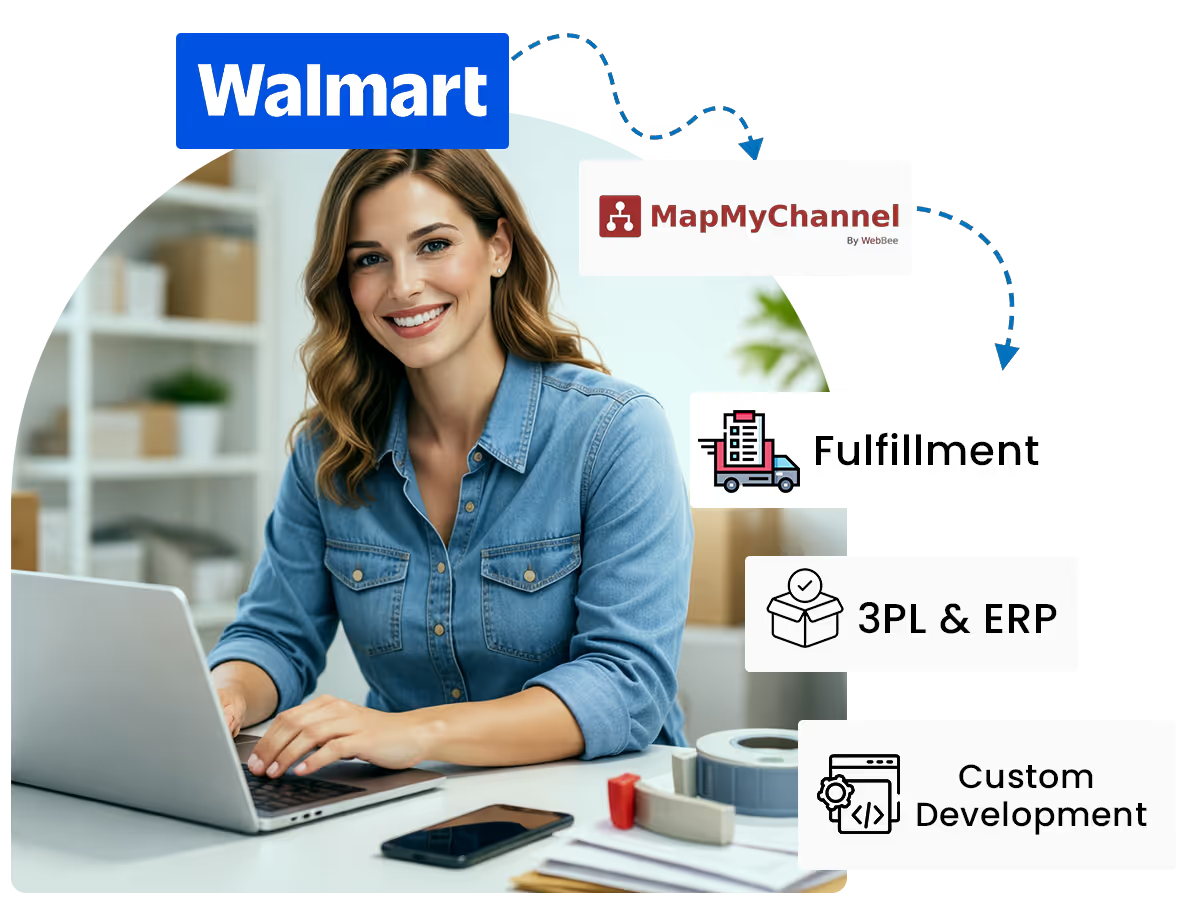
Take your usual Bricks-and-Mortar store products to a global level with a smarter eCommerce application.

Create Your Own Package of eCommerce Success

Integrate Walmart store with MapMyChannel and grow the business with effortless selling and efficient business management.
Walmart
Integration
MapMyChannel
Integration
Amazon MCF
NetSuite
ShipStation
Walmart WFS
Shipping Easy
Huboo
ShipStation

Why Walmart Marketplace Integration?

Here’s how MapMyChannel helps you create the perfect package for eCommerce growth:

3PL Integration

MapMyChannel makes using 3PL for Walmart orders much simpler with seamless data synchronisation and automation support.

Inventory Management

Manage inventory from multiple locations on a centralised dashboard, create buffers to avoid stock-outs, and track the stock availability in real-time with the ecommerce connector app.

Hold Orders

This allows the seller to pause for a certain time frame before the fulfillment process starts, so there is no scope for mistakes and a chance for alterations on both ends.

Order Management

Automate the entire order fulfillment process and ensure accuracy while eliminating human errors and delays.

Centralised Dashboard

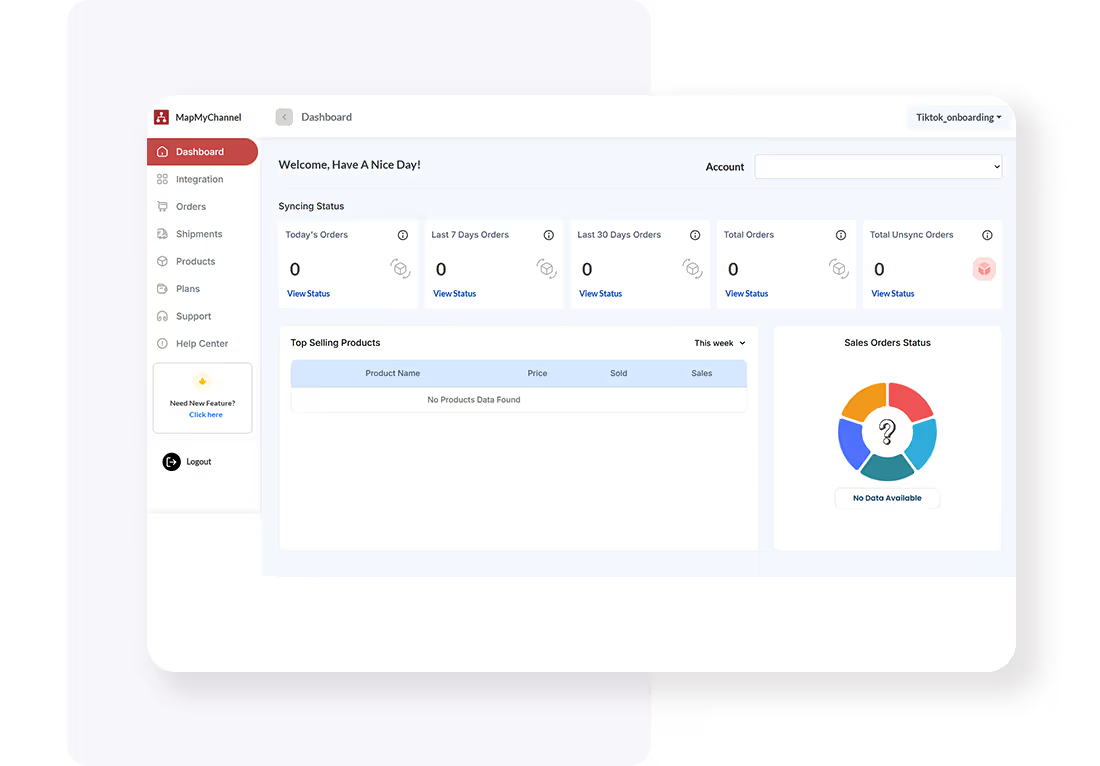
Bring all the sales channels, ERPs, and fulfillment partners together on the centralised dashboard and make business management a cake walk.

Virtual Bundling

Make bundles of complementary products and sell them together to grab a higher Average Order Value (AOV) and better profits on the Walmart marketplace integration.

How to Integrate Walmart with MapMyChannel?

The following steps make the Walmart MapMyChannel integration effortless and allow the seller to unveil complete potential of the business:
01

Create an Account

Enter the following details

  • Name
  • E-mail
  • Password

And activate the MapMyChannel account with the confirmation email.

Create Account
Create an Account
Create Account
Onboarding Process
02

Onboarding Process

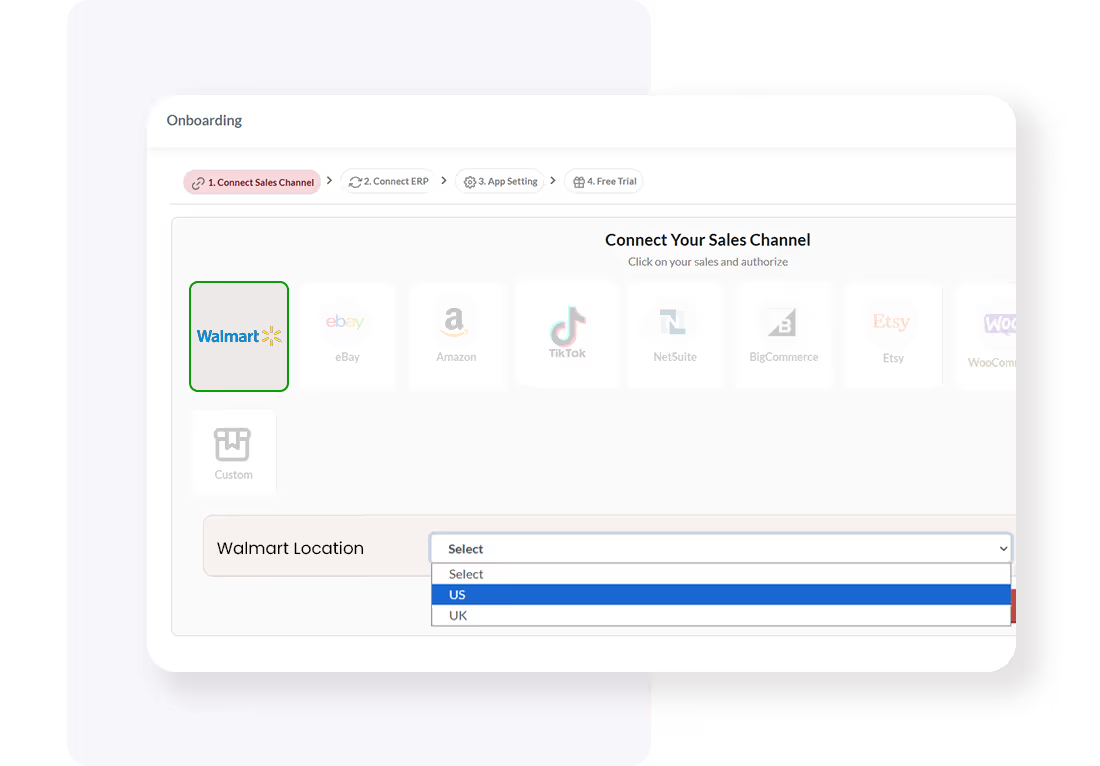
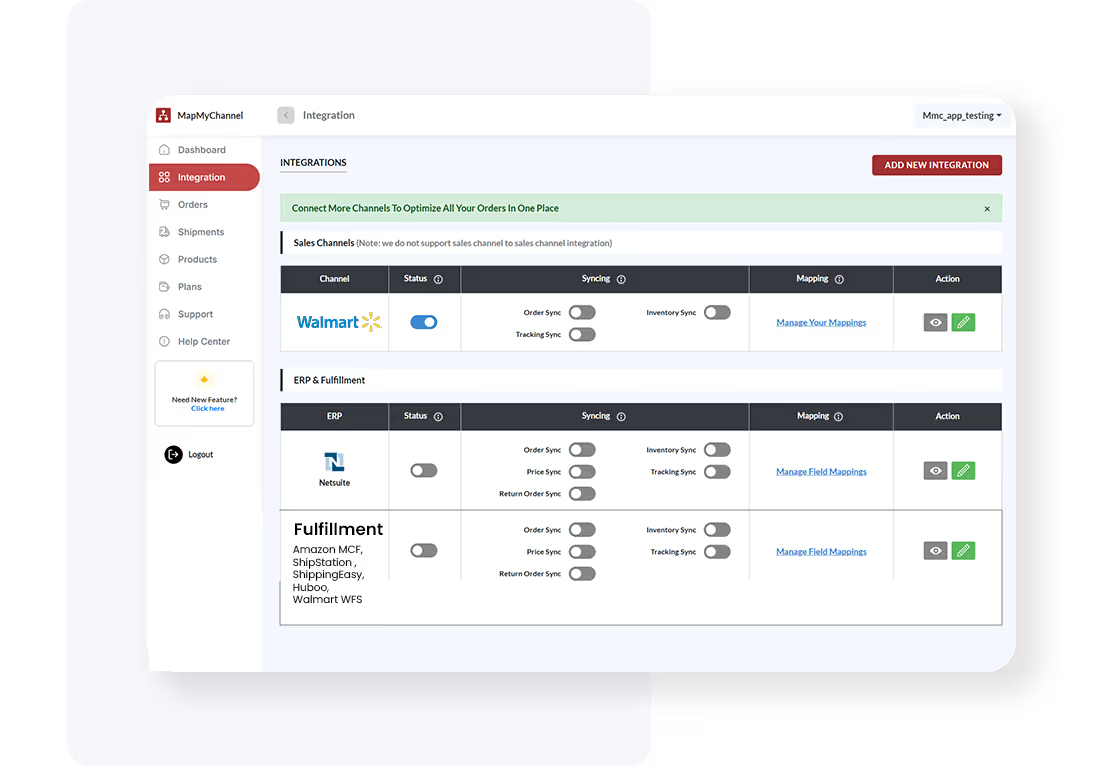
Select the ERP/3PL fulfillment partner once you have selected Walmart as your preferred sales channel. Now, add the accounting channel name and seller account. Then go ahead to click on Save and Proceed.

03

Configure Integration Settings

Change the configuration setting from the MapMyChannel dashboard in your Walmart Account.
Create Account
Configure Integration Settings
Create Account
Test and Optimize
04

Test and Optimize

Run a test to ensure the seamless flow of information between Walmart and the 3PL partner/ ERPs.

Start the Process

Frequently Asked Questions

FAQs for Walmart Integrations

Q1. How does MapMyChannel help with business growth?

MapMyChannel allows sellers to manage their orders and inventory while tracking sales and performance. Also, the application gives way to effortless integration and automation that spares time for sellers to work on strategy and actual business growth.

Q2. How to connect 3PL to Walmart Marketplace?

Once the seller integrates its Walmart store with MapMyChannel, it can choose the right 3PL fulfillment partner for the business integration on the dashboard to allow simplified data exchange and seamless delivery.

Q3. Which ERP can I integrate with my Walmart store?

Sellers can integrate NetSuite ERP with Walmart store for easy financial and business management.

Q4. How can I take my Walmart business global?

Sellers can take their Walmart business global with the integration of Walmart and Amazon MCF using MapMyChannel.

Q5. How can I avail a free trial of MapMyChannel?

Sellers can avail a 14-day free trial of MapMyChannel from the Pricing page.

Q6. What if I face issues during MapMyChannel integration?

Sellers have access to a dedicated team of experts who are there to help simplify integration and overall business operations.

Click to Claim your free plan!

Create Your Free MapMyChannel Account Today!!
24/7 Live Support
24/7 Live Support
30-Day Free Trial. No Risk.
Try it Free. No Risk.
Dedicated Chat Support
No Credit Card Required
Email
Phone
Support