WooCommerce Integrations

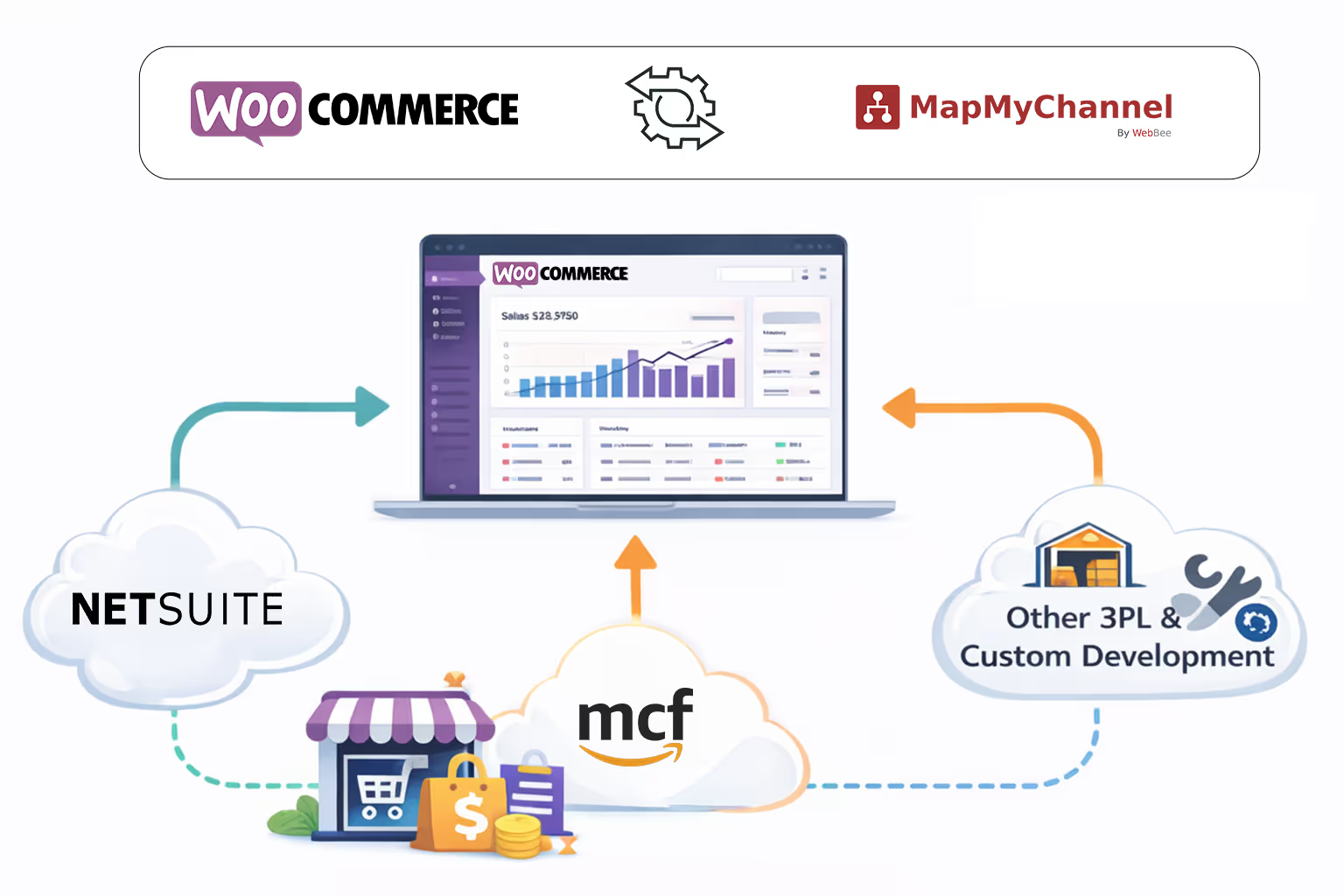
Unify Amazon MCF (as one of the 3PL Fulfillment Partners) and NetSuite (as ERP) to simplify the eCommerce operations of WooCommerce and delight customers at every touchpoint.

Harness the Potential of Your WooCommerce Store

Achieving business goals become much easier with automation and seamless integration. MapMyChannel offers exactly the same for your WooCommerce business, fostering efficiency and accuracy.
Walmart
Integration
MapMyChannel
Integration
Amazon MCF
NetSuite
ShipStation
Walmart WFS
Shipping Easy
Huboo
ShipStation

How MapMyChannel is the Ultimate Solution for WooCommerce Integration

Little view at the features of MapMyChannel for sellers who long for 10X Growth:

Centralized Business Control

It makes everything from orders to inventory management easy with centralized dashboard. Growing sales in diversified channels is also simplified with this feature.

3PL Integration

Getting orders fulfilled through 3PL (third-party logisctics) is fool proof with MapMyChannel integration as the application sync the order data automatically for seamless delivery.

Hold Order

In case of authentication issues, restocking and general protocols, it allows the WooCommerce sellers to hold order for certain time period giving way to consistency.

Multi-Location Inventory Tracking

Tracking inventory stored in different locations is no more an issue, once your business is connected to MapMyChannel dashboard, so no scope for stock outs or dead inventory.

Real-Time Sync

Orders, inventory, fulfillment status and other business related data is automatically synchronized to the dashboard for easy access and smooth business functioning.

Cost Effective Scaling

Scaling a business with MapMyChannel is cost effective as it automates the day-to-day procedures and allows the business to go error free without human intervention.

How Does Integration with WooCommerce Work?

Follow these steps to effortlessly connect the WooCommerce Integration Platform:
01

Create an Account

Enter your name, email, and password, and activate the account with confirmation. Henceforth, you will be able to sign in to start the onboarding.

Create Account
Create an Account
Create Account
Onboarding Process
02

Onboarding Process

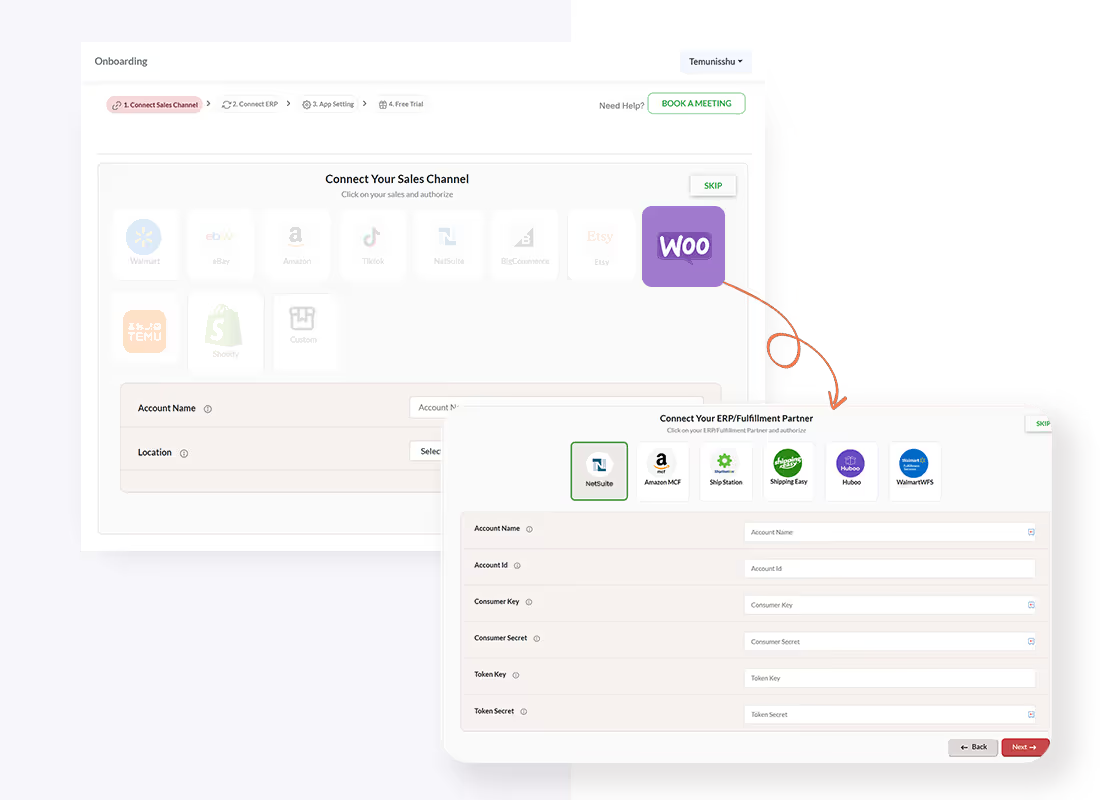
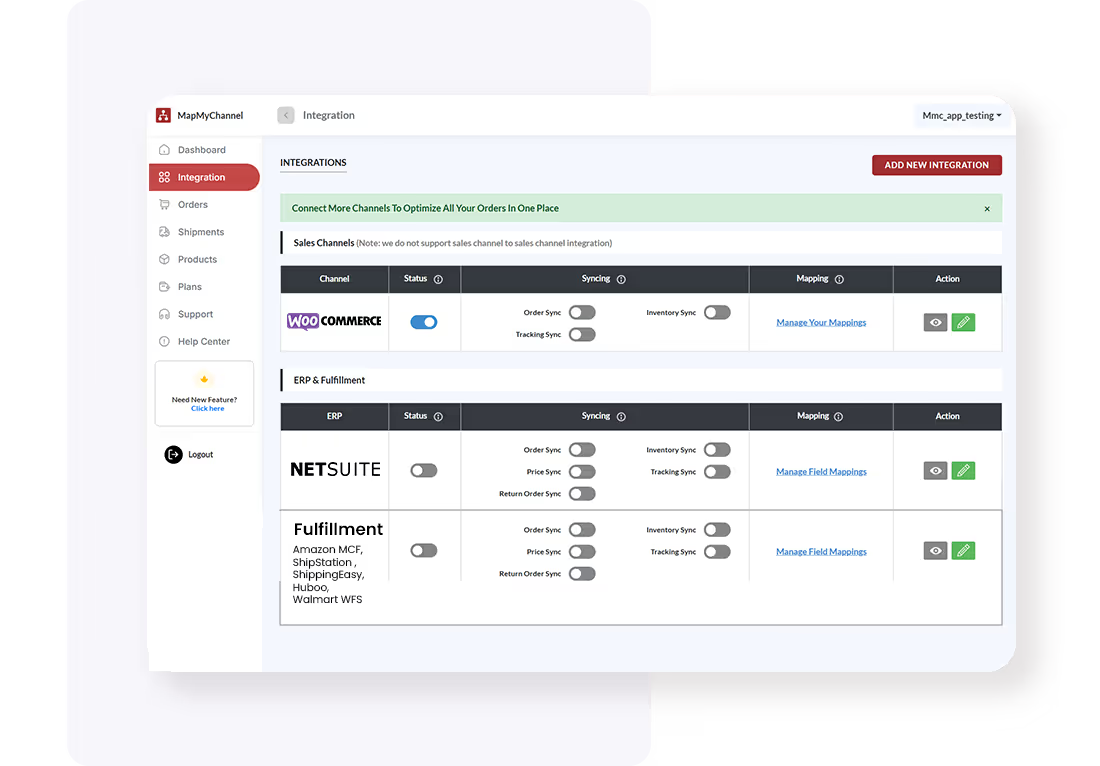
Select ERP (Like NetSuite) or 3PL (like Amazon MCF, ShippingEasy, ShipStation, Walmart MCS, and Huboo), after selecting WooCommerce as the sales channel, and add the Accounting channel name. Provide the seller account, and click on Save and Proceed.

03

Configure Integration Settings

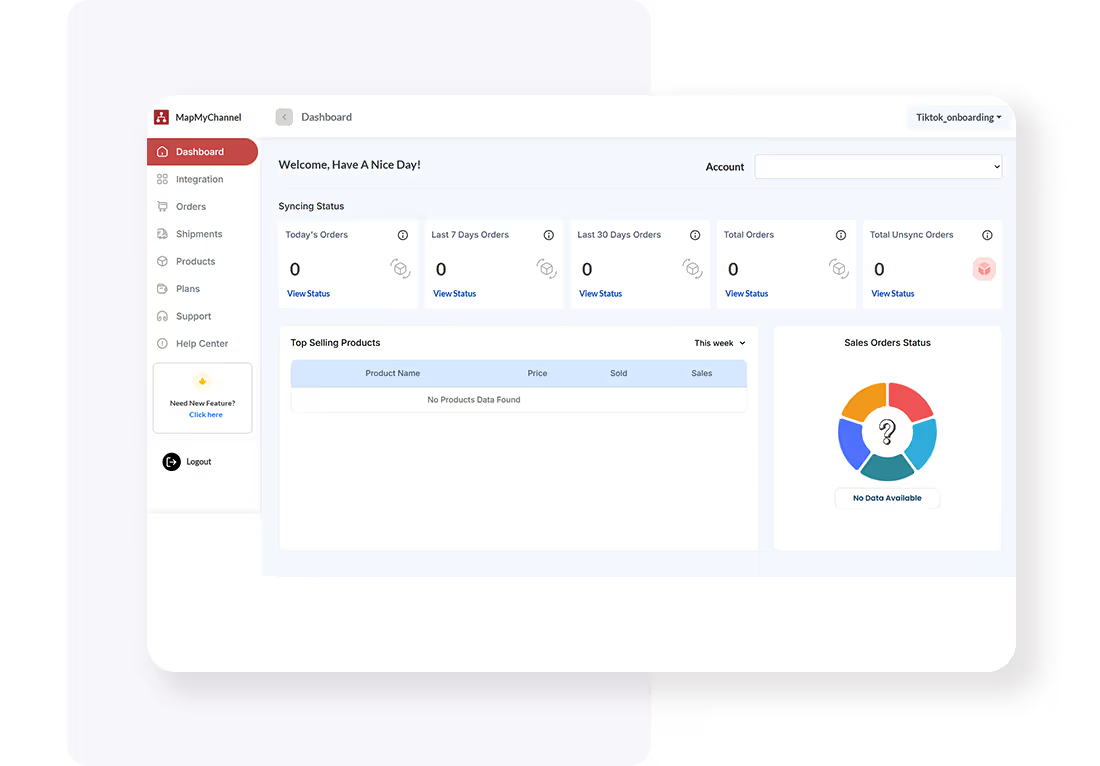
Access the MapMyChannel dashboard in your WooCommerce admin panel and configure the required integration settings.
Create Account
Configure Integration Settings
Create Account
Test and Optimize
04

Test and Optimize

Optimize settings as needed for optimal performance and conduct a test, ensuring an unhindered sync between WooCommerce and 3PLs/ERPs.

Start the Process

Frequently Asked Questions

FAQs for Wooommerce Integrations

How does MapMyChannel integration give way to time efficiency?

It allows the seller to automate their operations like order fulfillment, inventory management, data synchronization and order tracking. This saves seller’s time spent in day-to-day operations and they can spend their time on strategies for better business performance.

Will MapMyChannel be able to solve my Inventory management issues?

This is one of the most important feature of the API-based application. Sellers can easily track their stock stored in different geo-locations, and even keep buffer to avoid stock out and dead invetory.

Can MapMyChannel help with decision making?

It is designed to help sellers in every way possible and yes, it can help WooCommerce sellers with decision making. Using the Reporting and Analysis feature, selers can check business performance and hence work on weak areas while dwelling on the stronger ones.

How can I increase my Average Order Value?

Sellers can increase their AOV wit the Virtual Bundling feature of MapMyChannel. WooCommerce business owners can create bundles of two or more related products to increase the order value.

Can I avail a fee trial of the application?

Yes, the New Year Sale allows sellers to use All the Plans for Free for 3 months. New users can avail this offer but only for limited period. Otherwise, 14-day trial period is always available for eCommerce sellers out there.

How can I integrate NetSuite with WooCommerce?

NetSuite integration with WooCommerce is really simple through MapMyChannel. Sellers just need to follow the above mentioned steps to integrate WooCommerce with MapMyChannel and then choose NetSuite as ERP partner.

Click to Claim your free plan!

Create Your Free MapMyChannel Account Today!!
24/7 Live Support
24/7 Live Support
30-Day Free Trial. No Risk.
Try it Free. No Risk.
Dedicated Chat Support
No Credit Card Required
Email
Phone
Support