Amazon MCF Integrations

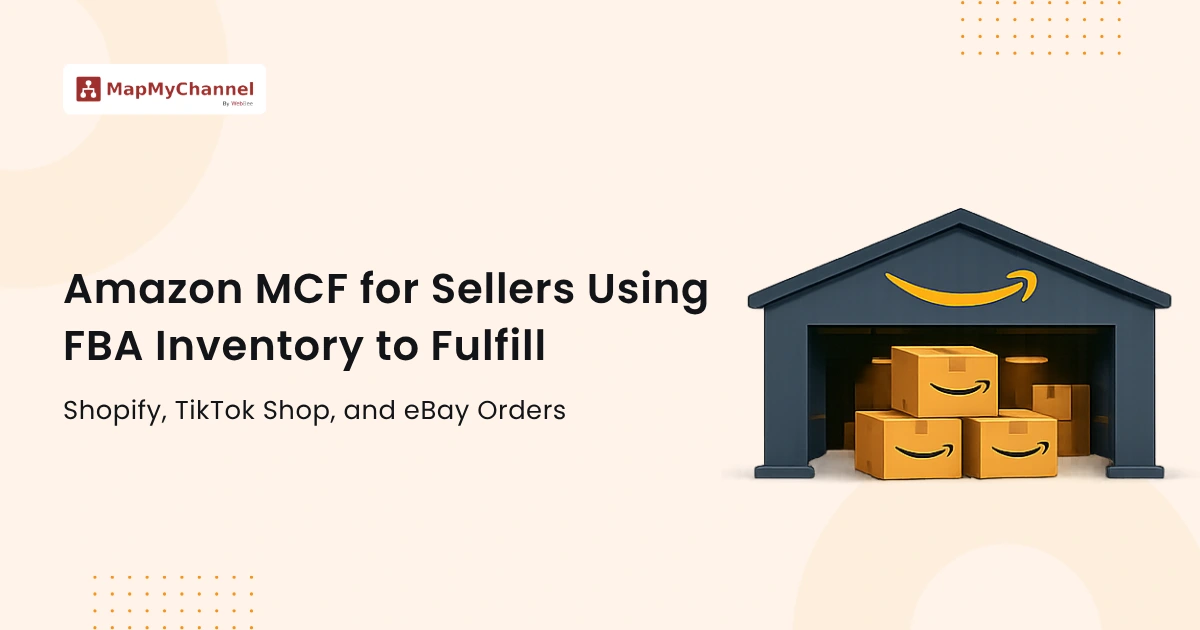
Boost sales and productivity with Amazon MCF integration through seamless syncing, real-time inventory, automated workflows, and effortless fulfillment.
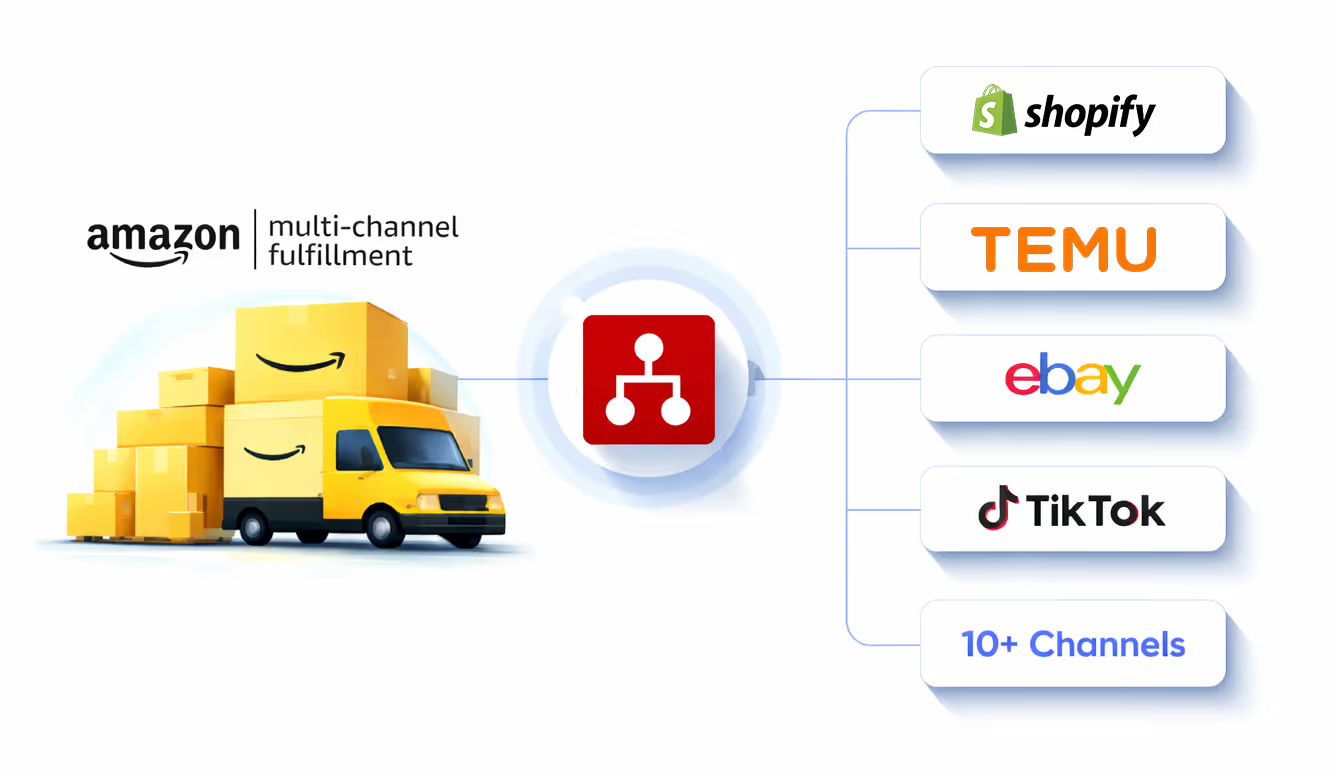
Effortless Fulfillment with Amazon MCF and MapMyChannel

Unveil the real potential of your online business with MapMyChannel integration, the ultimate API based automation tool built to streamline your operations.
Amazon MCF
Integration
MapMyChannel
Integration
Shein
NetSuite
ShipStation
Walmart WFS
Shipping Easy
Huboo
ShipStation
Fruugo

How Does Amazon MCF Integration Benefit?

Here is a brief listing of advantages offered by Amazon MCF Integration:

Real-Time Inventory Synchronization

Keeps your store and Amazon MCF perfectly aligned with real‑time inventory synchronization. This helps eliminate stock mismatches, dead stock, and overselling.

Centralized Order Processing

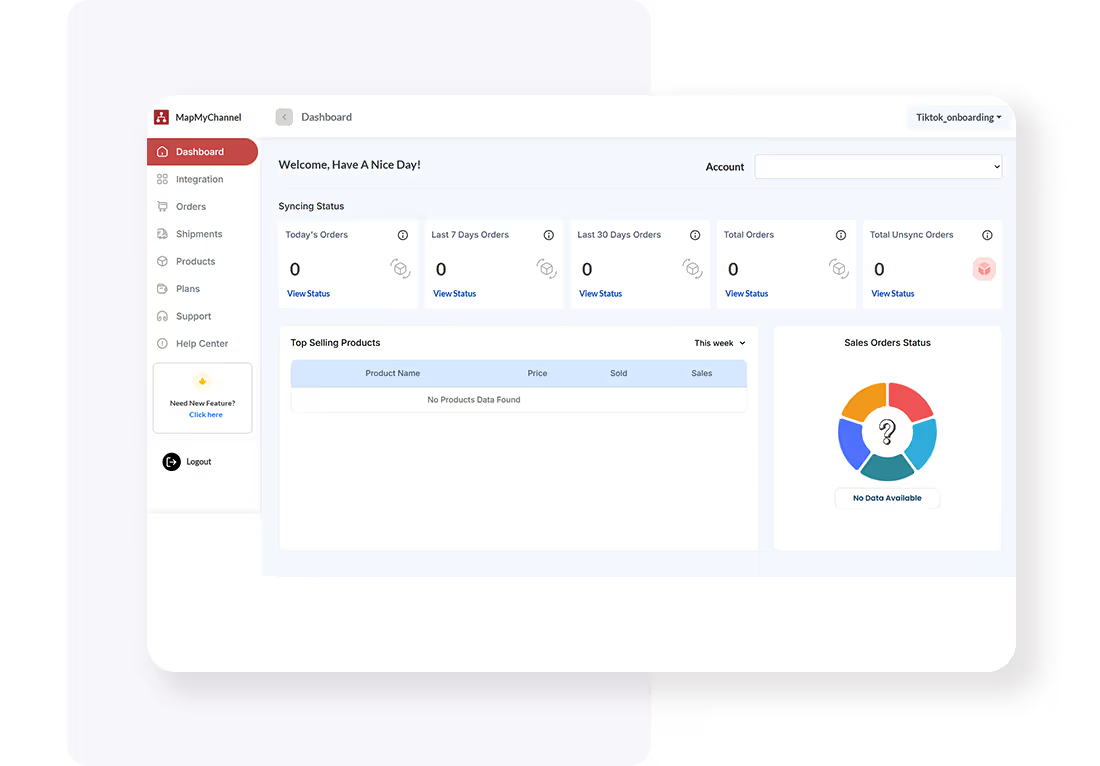
An API-based integration system responsible for handling the multi-step order fulfillment. On the centralized dashboard, all the orders and their processing will be displayed for better visibility and control.

Inventory Buffer

Storing and managing buffer stock is effortless with integration software. It gives you breathing room even when stock might run out, helping to avoid lost sales.

Tracking and Notification

The system is designed to simplify day-to-day operations and send consistent notifications to both buyers and sellers, creating an effortless shopping experience.

Global Marketplace Expansion

Expanding into global markets becomes easier as MapMyChannel automates international delivery with Amazon MCF integration, leveraging expertise and an extensive network.

Unified Integration Hub

No need to switch between multiple systems when a unified platform allows you to manage it all, from inventory and orders to product bundling for a higher Average Order Value.

How to Connect Amazon MCF With MapMyChannel

Follow this easy four-step routine to connect Amazon MCF with MapMyChannel:
01

Create an Account

Enter your name, email, and password to create an account. Then, sign in to start the onboarding.

Create Account
Create an Account
Create Account
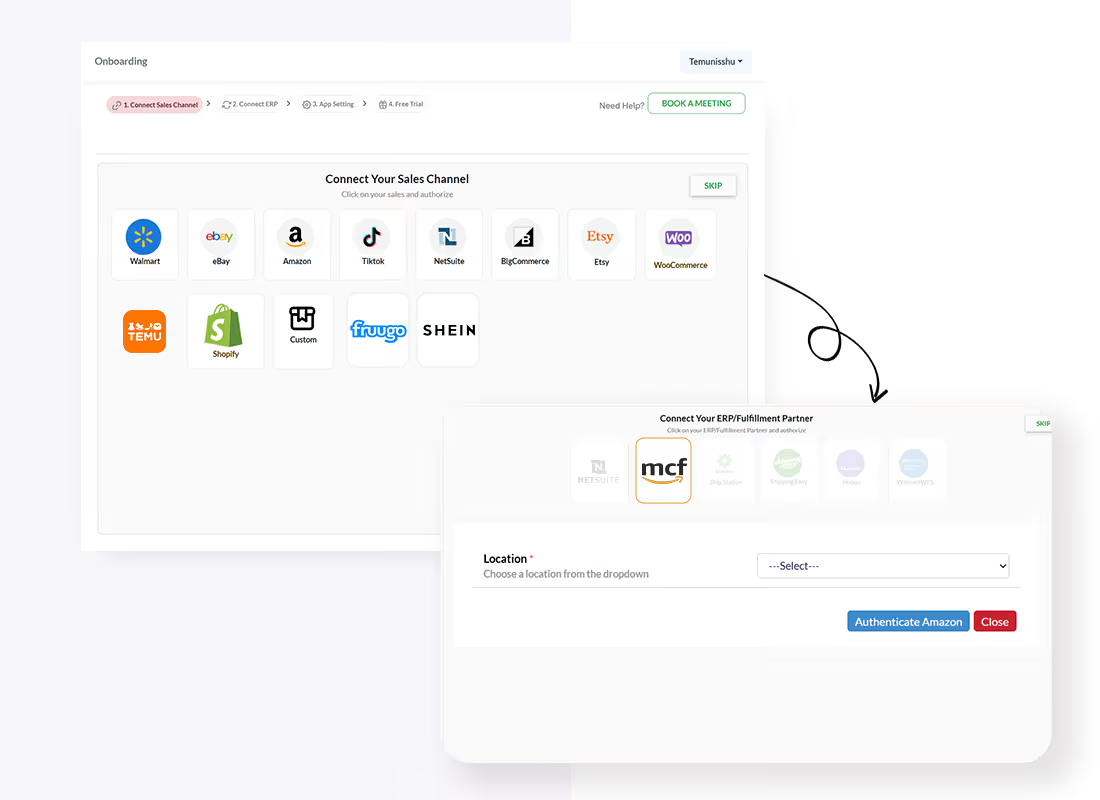
Onboarding Process
02

Onboarding Process

Choose your preferred sales channel, then choose Amazon MCF as the 3PL fulfillment partner. Add the Accounting channel name and provide the seller account, then click Save and Proceed.

03

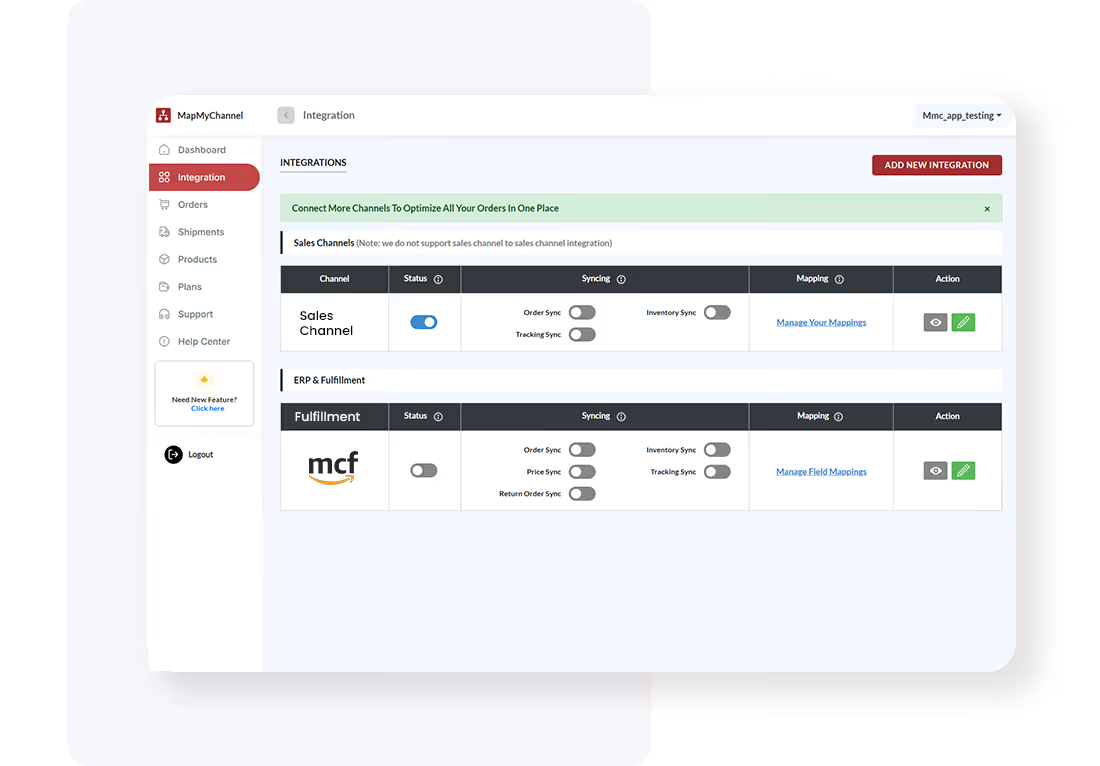
Configure Integration Settings

Change the configuration setting from the MapMyChannel dashboard in your Amazon admin panel.
Create Account
Configure Integration Settings
Create Account
Test and Optimize
04

Test and Optimize

Once done, Review system performance to ensure seamless data synchronisation.

Start the Process

Frequently Asked Questions

FAQs for Amazon MCF Integrations
Q1. What is Amazon MCF?
Q2. Can you use Amazon MCF without selling on Amazon?
Q3. Can I use my existing FBA inventory?
Q4. What’s the difference between MCF and FBA?
Q5. What delivery speeds does MCF offer?

Click to Claim your free plan!

Create Your Free MapMyChannel Account Today!!
24/7 Live Support
24/7 Live Support
30-Day Free Trial. No Risk.
Try it Free. No Risk.
Dedicated Chat Support
No Credit Card Required
Email
Phone
Support
Exclusive Early Access (New Users Only)
MapMyChannel Growth Pass

60 Days. Zero Cost. Full Power

Multichannel

MapMyChannel by WebBee

Experience 60 days of MapMyChannel by WebBee at no cost. Connect your sales channels to Amazon MCF, NetSuite ERP, and 150+ fulfillment partners — with full access to advanced features.Absolutely free.

Start Free Access 🚀

Unlock the Growth Pass.

One dashboard. Every marketplace. Total control.