
Introduction
Selling products on Amazon lets sellers reach millions of buyers fast. Amazon is one of the world's top marketplaces. It can quickly turn a small business into an established global brand.
However, as business expands and order volume increases, backend operations get complicated, and manual order processing becomes time-consuming. Updating stock across multiple sites separately pulls productive manual effort away from growth-inducing activities. Manual order processing also leads to costly mistakes.
For example: A customer's shipping address is entered incorrectly; the package goes to the wrong location. This can lead to a poor customer review. Now consider the seller forgets to update their inventory. A customer buys a best-selling item that's reflected as available on the sales channel, but the product is actually out of stock.
As a result, the seller has to cancel the sale. As a marketplace, Amazon tracks these seller errors closely. Too many mistakes invite fines and hurt the brand score.
This is why growth-oriented brands integrate their systems. When sellers connect Amazon, they can automate workflows. This blog guides sellers on connecting multiple sales channels, eliminating unnecessary manual effort, and expanding their brand with less complexity.
Understanding Amazon
Amazon is the largest e-commerce marketplace in the United States. With Millions of sellers offering products to the same customer, managing inventory, orders, and fulfillment becomes increasingly complex.
Amazon has its own policies to protect the customer experience. If sellers ship an item late, cancel an order, or provide inaccurate inventory updates can affect seller performance and may lead to consequences.
To stay competitive, sellers must keep all data accurate at all times. Businesses can no longer rely on a human to update spreadsheets once a day. The modern market moves too fast, with sales occurring every second. A single product can sell out in minutes during a flash sale.
If a business's systems are not synchronized, the seller might continue accepting orders that is no longer available.
What is Amazon Integration?
Amazon Integration means connecting an Amazon store with other software that the business uses to manage its ecommerce operations. These may include ecommerce platforms, ERP systems, inventory management software, warehouses, 3PL providers, and shipping systems.
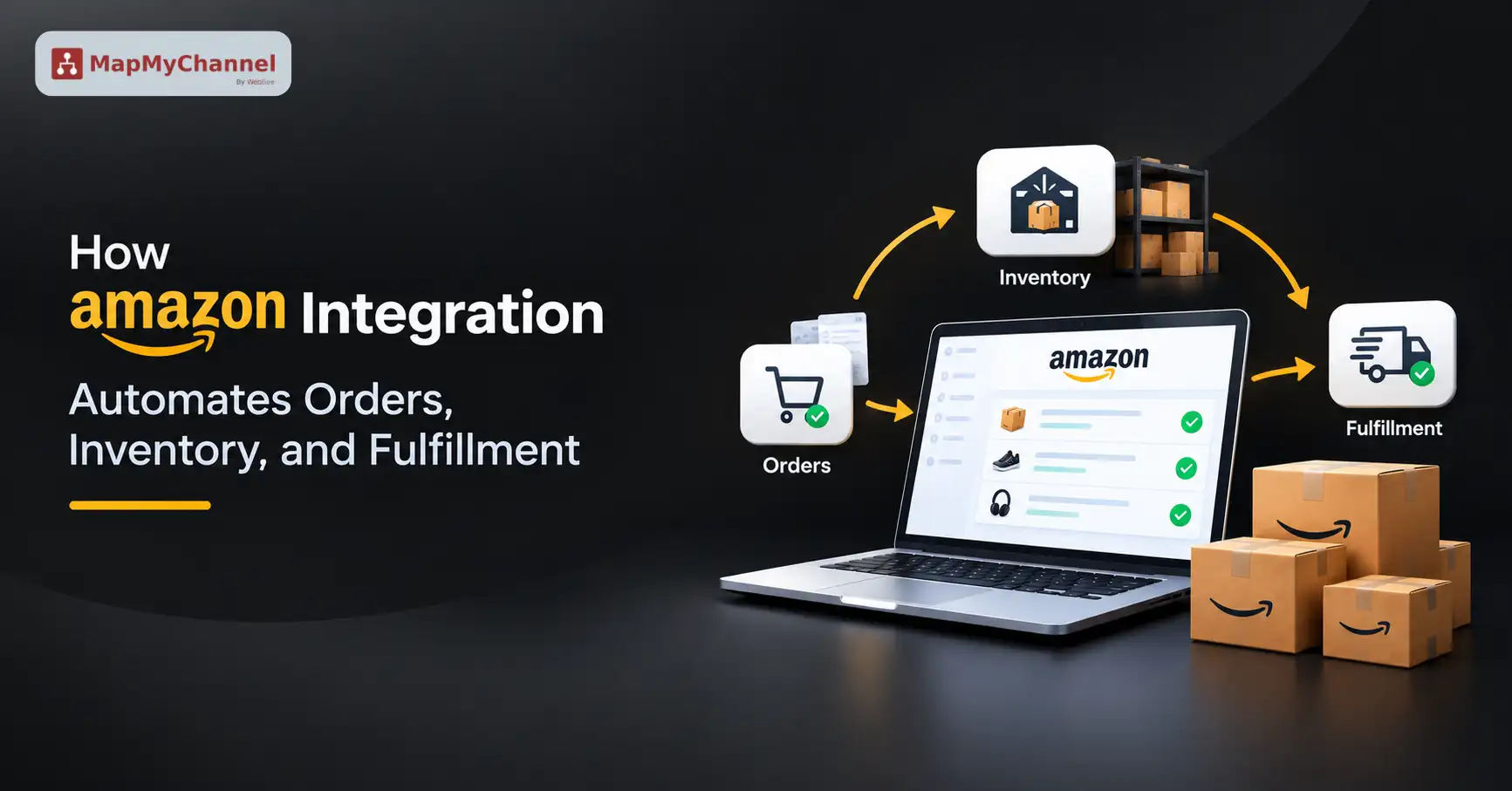
For example, when a customer places an order on Amazon, an integration can send the order information to the seller's connected order management, ERP, warehouse, or fulfillment system. Once the order is shipped, tracking information can be sent back to Amazon, while inventory levels can be updated across connected sales channels.
Instead of entering the same information into multiple systems, this allows data to move automatically between connected platforms.
When a customer purchases a shirt on Amazon, the system sends that data flow to the seller's connected system. The Inventory Management Software updates the available stock across multiple platforms like Shopify and eBay. At the same time, the finance system creates an invoice, and the warehouse team gets notified to pack the product.
Key Components of Amazon Integration
1. Real-Time Inventory Synchronization
If a business sells on Amazon and its own website, both channels share one inv pool of inventory.
For example, a seller has 10 books available in the warehouse. A customer purchases 3 books through the website. If the system doesn’t sync, Amazon still shows the 10 books in stock. At the same time, a customer buys 8 books through Amazon; the seller has accepted orders for 11 books when only 10 are available.
A good inventory tracking system fixes this issue. It updates changes in stock across all sales channels the moment an item sells. This stops businesses from overselling.
2. Centralized Order Management
Order management becomes time-consuming and confusing as a business expands to sell on Amazon. Order management software connects all sales from Amazon, Walmart, and Shopify into a single comprehensive dashboard. This makes it possible to see and process every single order from a unified dashboard.
3. Amazon Order Fulfillment and Shipping
Once the business makes a sale through Amazon, the order must be shipped fast. A smooth connection sends order details from the marketplace directly to the third-party logistics (3PL) platform.
The 3PL software picks, packs, and labels the item. When the carrier collects the package and scans the tracking code, that tracking data is sent back to Amazon to notify the customer. The team does not have to type a tracking number during this entire
process.
4. Automated Finance and Order Data
Amazon charges different fees for referral, storage, and shipping. If a seller inputs this data manually, finance accounts will become complex. Amazon Integration pulls every fee and payout straight into the finance management software or app. The seller can see his/her exact profit margins clearly every day.
5. Automated Product Data Synchronization
When a business sells on multiple channels, including Amazon, managing product descriptions, weight, and size separately on each is time-consuming and inefficient. A data flow integration helps the seller enter the details once in the main system. It then pushes that data out to Amazon and other connected sales channels without errors. This keeps product descriptions, prices, and images consistent everywhere.
What Are the Different Amazon Integration Methods?
Not all e-commerce integration methods are built the same way. Depending on business technical resources and size, there are three primary methods to connect platforms. Choosing the right path helps stores unlock core benefits that accelerate business expansion.
Sellers can choose from these three main approaches to match their scale:
1. E-Commerce Platform Plugins (Pre-Built Apps)
This approach is the simplest way to connect systems. If a store sells on platforms like Amazon, Shopify, BigCommerce, or WooCommerce, native extensions or e-commerce integration apps allow the store to sync products, orders, and inventory with minimal setup. This pre-built middleware path acts as a translator between different systems. Sellers can log into both accounts, on a few toggles, and get the connection up. This is the best choice for most small-scale, growing brands.
2. Multichannel Integration Software
For brands that want to expand beyond a single platform, dedicated multichannel management software is the next step. Software like MapMyChannel brings together data from multiple marketplaces into a single dashboard. This makes it easier to manage listings, stock levels, and orders across Amazon, eBay, and Walmart simultaneously. Sellers can also avoid logging into separate regional storefronts every day.
3. Enterprise iPaaS & ERP Integration
For larger ecommerce operations with heavy sales volumes, systems must connect directly to back-office software. A multichannel integration platform or custom middleware can transfer Amazon SP-API (Selling Partner API) data directly into Enterprise Resource Planning (ERP) systems like NetSuite, Microsoft Dynamics, or SAP.
This type of integration handles high data volume safely and securely. Building and maintaining the connection requires technical skills, so the business may need a dedicated technical developer.
Why Do Amazon Sellers Need Integration?
Moving from manual tasks to structured Amazon Integration methods gives businesses three major wins:
- Automation: Reduce Manual data entry for tracking numbers, order statuses, inventory levels, and other operational tasks.
- Centralized Operations: Sellers can manage multiple sales channels, customer inquiries, and accounting reconciliation from a centralized system.
- Faster Fulfillment: Automated route order details reduce delivery time by sending order details instantly to Amazon FBA, Multi-Channel Fulfillment (MCF), or third-party logistics (3PL) providers.
Why Amazon Integration Matters for Ecommerce Businesses
Let us map out exactly how daily business life changes when sellers move away from manual tasks:
Quick Tip: Never use just one supplier for top items. Link your product page to two or three backup vendors. If your main supplier runs out, your system will route the order to your backup right away. This keeps your store open and making money.
How Amazon Integration Works With Other Platforms
Improving an Amazon seller account integration with external platforms like Shopify, eBay, Walmart, or NetSuite is the best way to achieve smooth workflows. A robust integration stops stores from selling empty shelves and helps an e-commerce business grow.
Sellers can use this clear, step-by-step strategy to optimize their store setup:
1. Upgrade to a Dedicated Multichannel Tool
Businesses that rely on manual data entry should upgrade to an operations platform. This multichannel e-commerce integration software synchronizes inventory, pricing, and order routes in real time.
2. Turn on Real-Time Stock Syncing
Selling stockout products can impact e-commerce operations. To prevent out-of-stock situations, sellers can set safety rules such as an inventory buffer and stock safety
For example, if a warehouse has 10 units available, the system shows 8 units on Amazon, keeping 2 units as a buffer. This handles inventory synchronization delays. Businesses must ensure their warehouse or 3PL system connects to the integration platform. Every time an order is fulfilled, stock levels can be synced with Amazon and other connected sales channels.
3. Automate Pricing Rules
Updating prices manually across multiple ecommerce platforms causes errors that can become increasingly difficult. It also makes it hard for sellers to grow in a fast market.
Businesses can connect automated tools that sync with the main inventory management system. The pricing setup must account for marketplace fees, fulfillment costs, and other selling expenses, like Amazon FBA fees versus normal web card fees.
This helps sellers maintain consistent pricing rules across channels while taking relevant selling costs into account.
4. Streamline Order Routing and Delivery
Sellers must control how delivery data flows to track orders in real time and keep customers happy.
Businesses that use FBA can set their web store to route non-Amazon sales directly through Amazon MCF warehouses. To make this process easy, MapMyChannel connects channels such as Shopify, AliExpress, and TikTok Shop directly to Amazon FBA. It ships orders automatically in unbranded boxes while syncing inventory everywhere.
If a store uses an independent warehouse, the system must forward merchant-fulfilled sales straight to that team. It must also send tracking numbers back to Amazon before shipping dates.
5. Bring Accounting and Analytics Together
Data silos make it hard to get a clear view of daily profits. Businesses can use integrations to feed Amazon sales reports directly into accounting platforms like NetSuite.
Sellers can pull sales facts from all channels into one business intelligence tool to track ad performance cleanly.
Conclusion
Moving to a fully automated system is the best move an online store can make. It eliminates human errors, late packages, and inconsistent stock data. By connecting Amazon to the multichannel system, sellers can protect their business score, keep customers happy, and redirect their efforts away from repetitive tasks and towards business expansion.
Business owners no longer have to spend their nights looking at messy spreadsheets or tracking lost packages. With a smooth system running quietly in the background, sellers can now process thousands of orders without hiring additional staff.
Find the right integrator for your business today, take the leap, and watch your business thrive.
FAQs
How Can Sellers Get a Product Fulfilled by Amazon?
Sellers can get a product fulfilled by Amazon by joining the Amazon FBA program inside Seller Central. The merchant lists the items, sets the fulfillment to FBA, labels the goods, and ships them to an Amazon warehouse. Amazon then handles all shipping and returns.
How Does Amazon Manage Inventory?
Amazon tracks inventory using technologies such as AI, barcode scanners, and smart robots. First, the system scans new items and records them in a central database. Next, Amazon ships the goods across regional fulfillment networks closest to online customers. Finally, the system tracks daily store sales and inventory levels across its fulfillment network.
How Can a Merchant Add Inventory in Amazon Seller Central?
Merchants can use three quick options to add inventory in Amazon Seller Central:
- Manual: Enter the product details and stock quantity for individual items.
- Bulk: Upload a spreadsheet to update large catalogs at once.
- Auto Sync: Use integration software like MapMyChannel to sync inventory from the store instantly.
How Do Businesses Add Inventory to Amazon FBA?
Sellers can build a shipping plan inside Amazon Seller Central. The seller then inputs the inventory quantity, prints out product labels, labels the goods, and ships the boxes to the assigned Amazon fulfillment center.
Get in Touch

.webp)

.webp)


