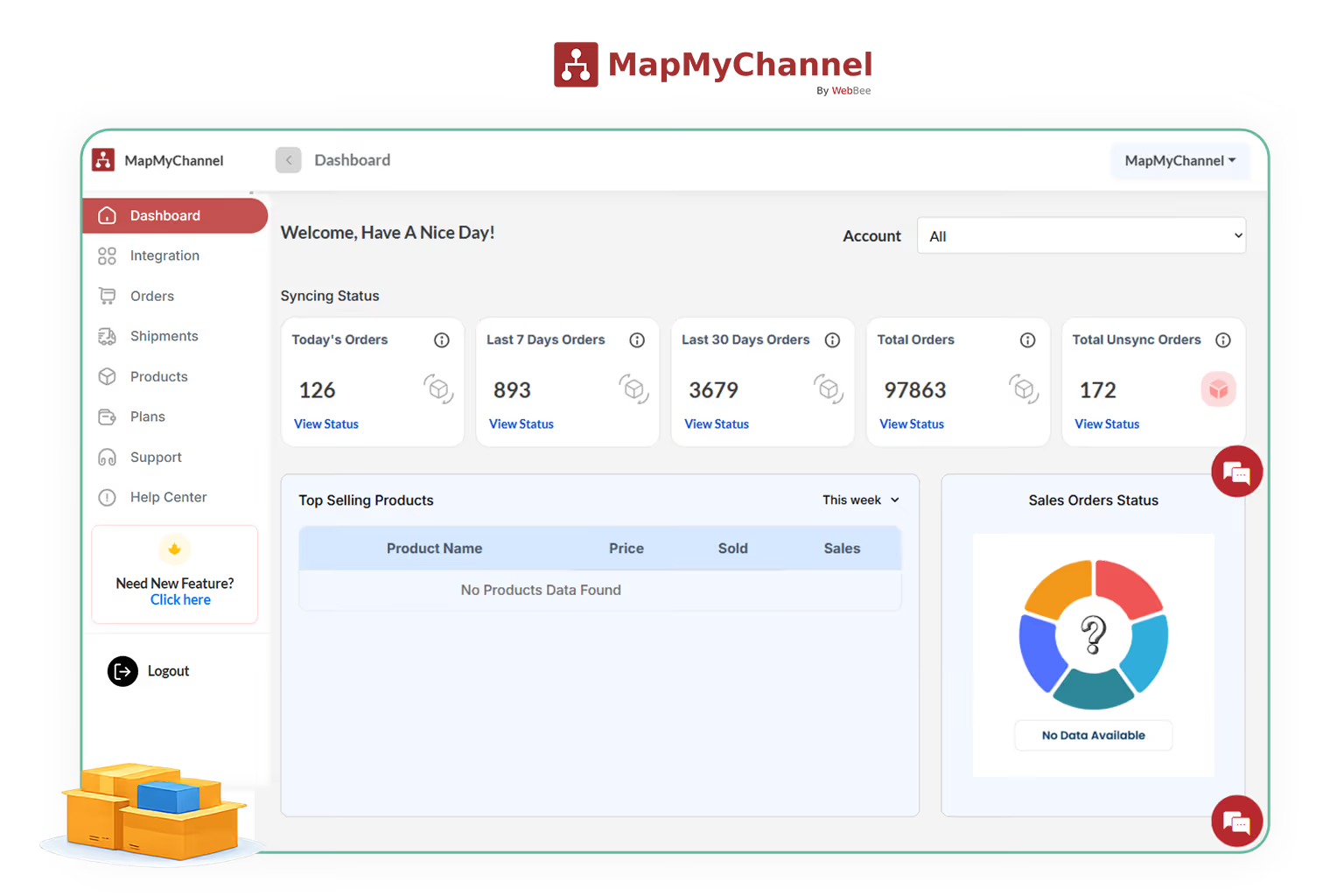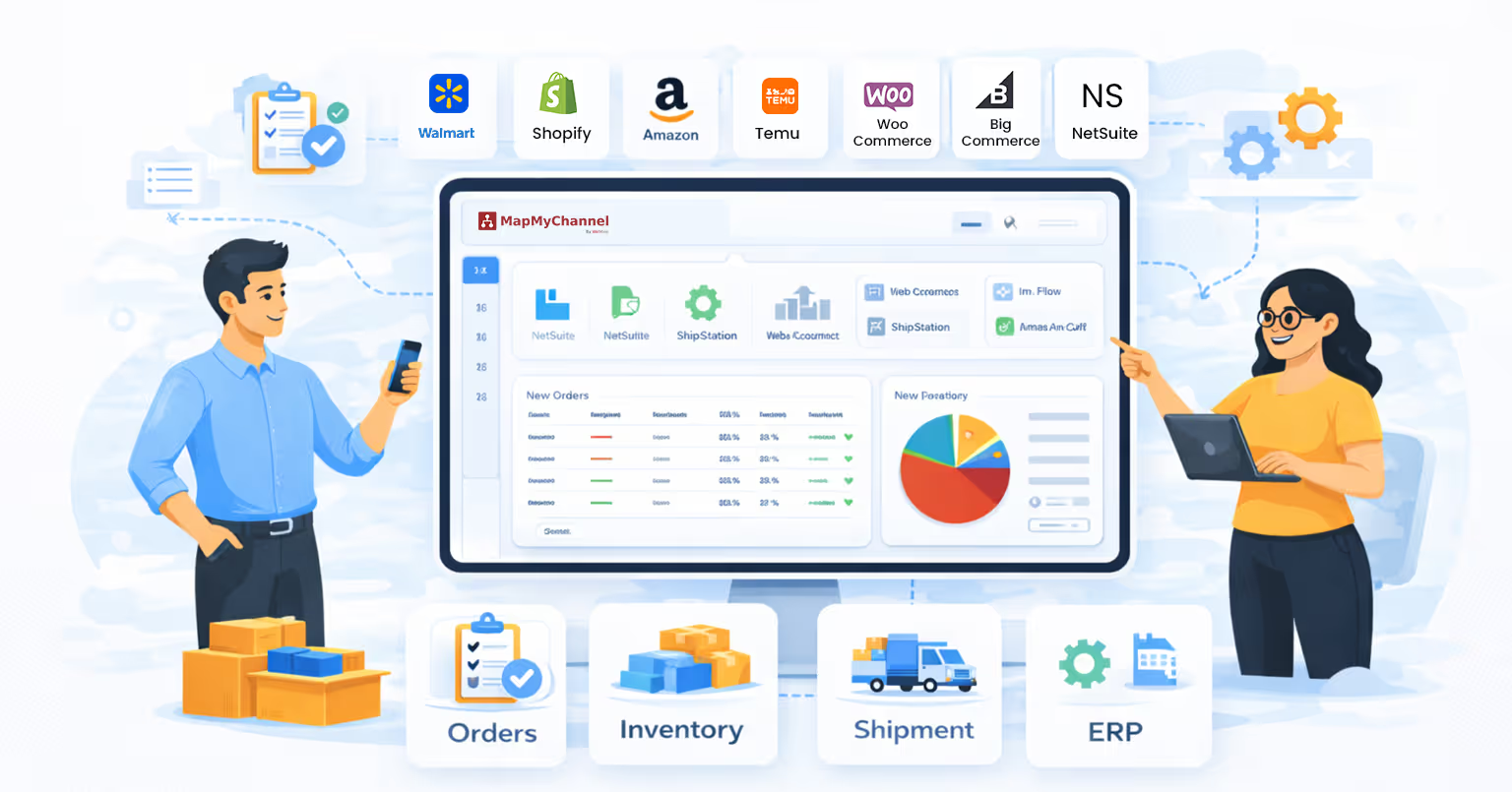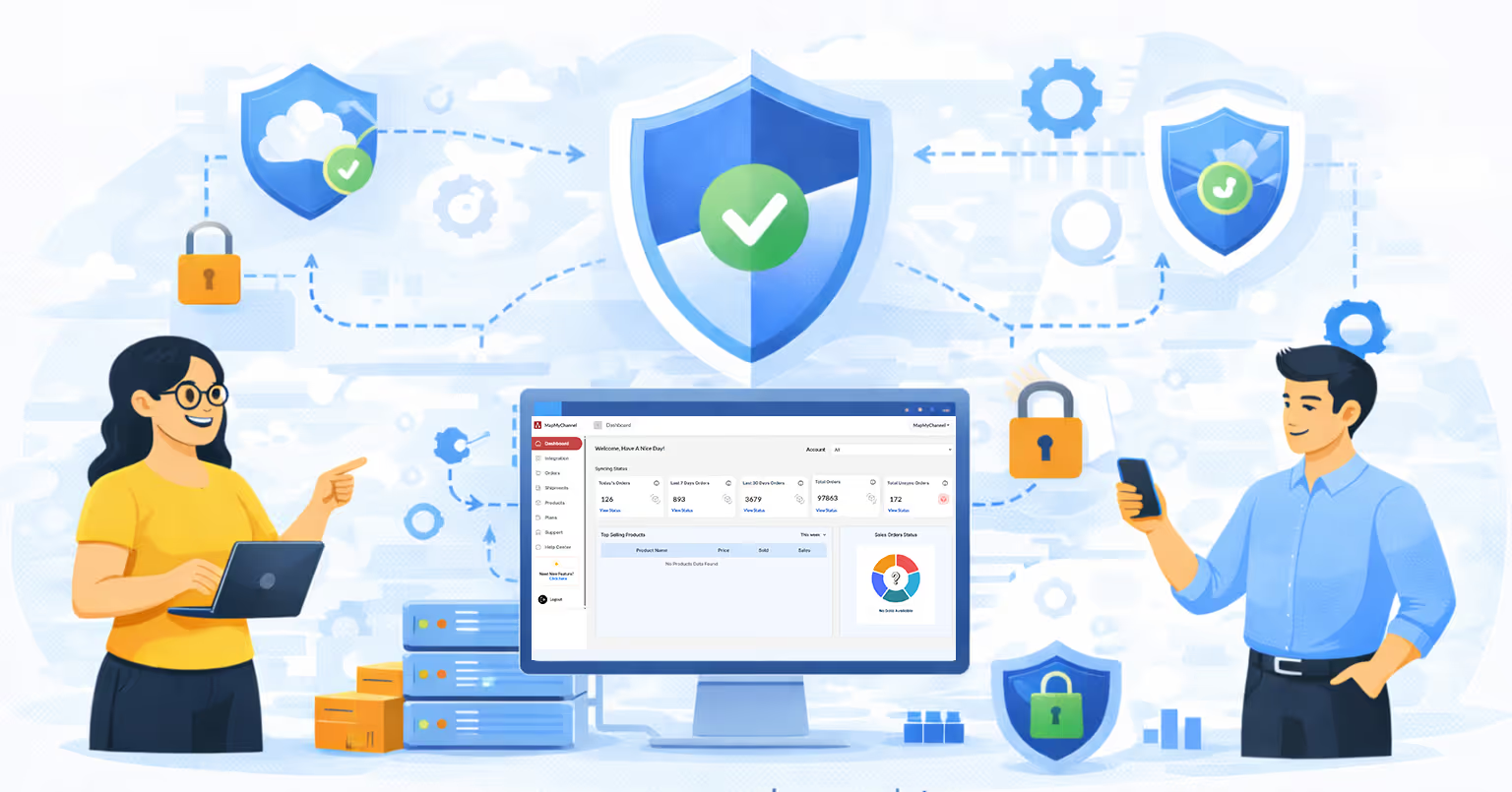
How MapMyChannel Works

Understand the working of MapMyChannel to streamline your sales from different channels using our management tools. From data synchronization to notification tracking, we can handle everything, so there is no scope for manual errors and related issues.

Step 1

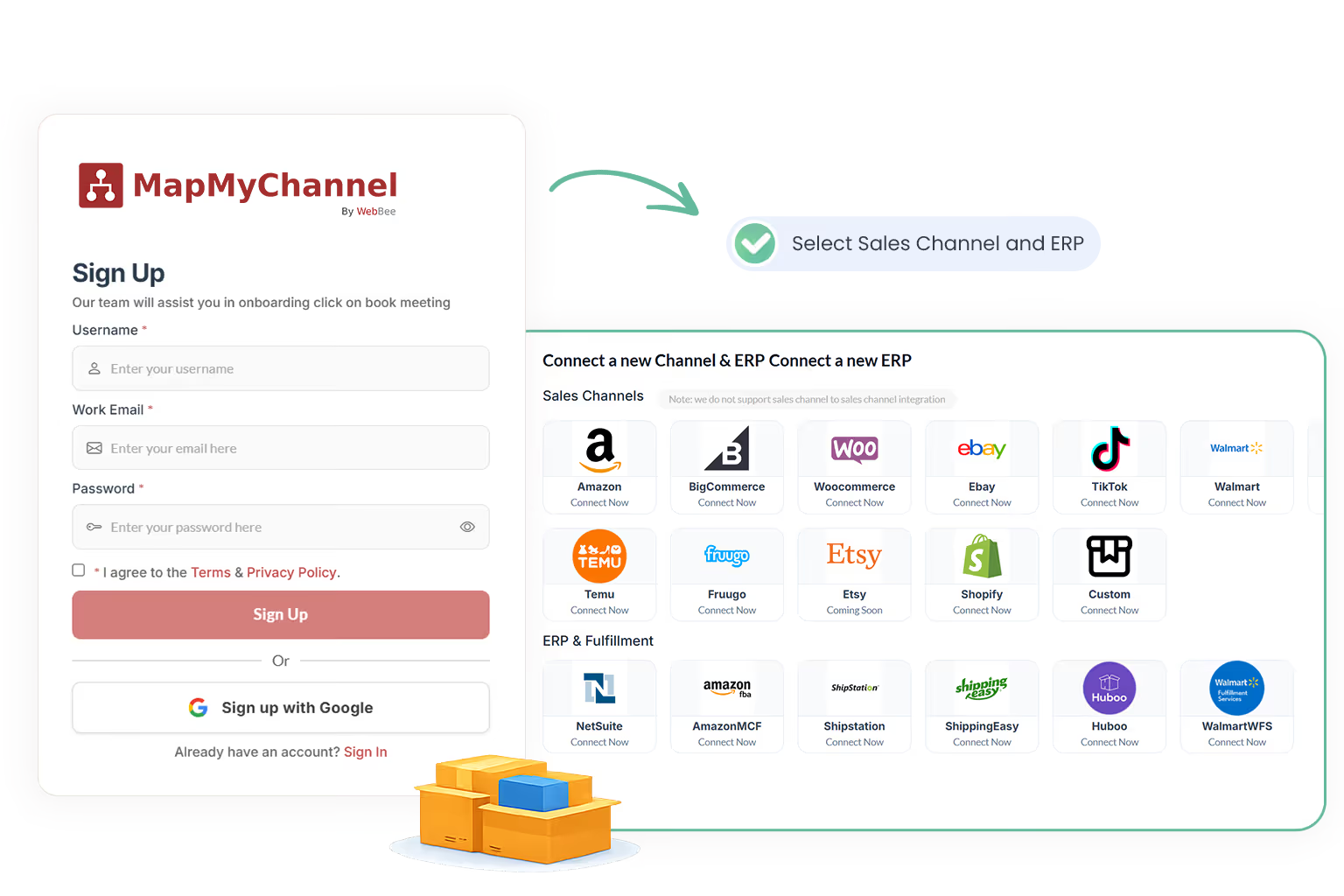
Sign Up with MapMyChannel

Firstly, Sign up with MapMyChannel by filling:

  • Username
  • Work Email
  • Password
Sign Up with MapMyChannel
Step 2

Sign in with MapMyChannel Account

Now, Sign in using the login credentials.

  • Email / Username
  • Password
Sign in with MapMyChannel Account
Step 3

Connect Your Sales Channel

Select the Sales Channel you wish to connect including Walmart, TikTok, eBay, and more. Enter the seller's account details.

    Sign Up with MapMyChannel
    Step 4

    Connect Your ERP/Fulfillment Partner

    Select the ERP/Fulfillment Partner you are willing to connect with including Amazon MCF, WFS and more. Enter the required details.

      Sign Up with MapMyChannel
      Step 5

      Turn on Required Toggles

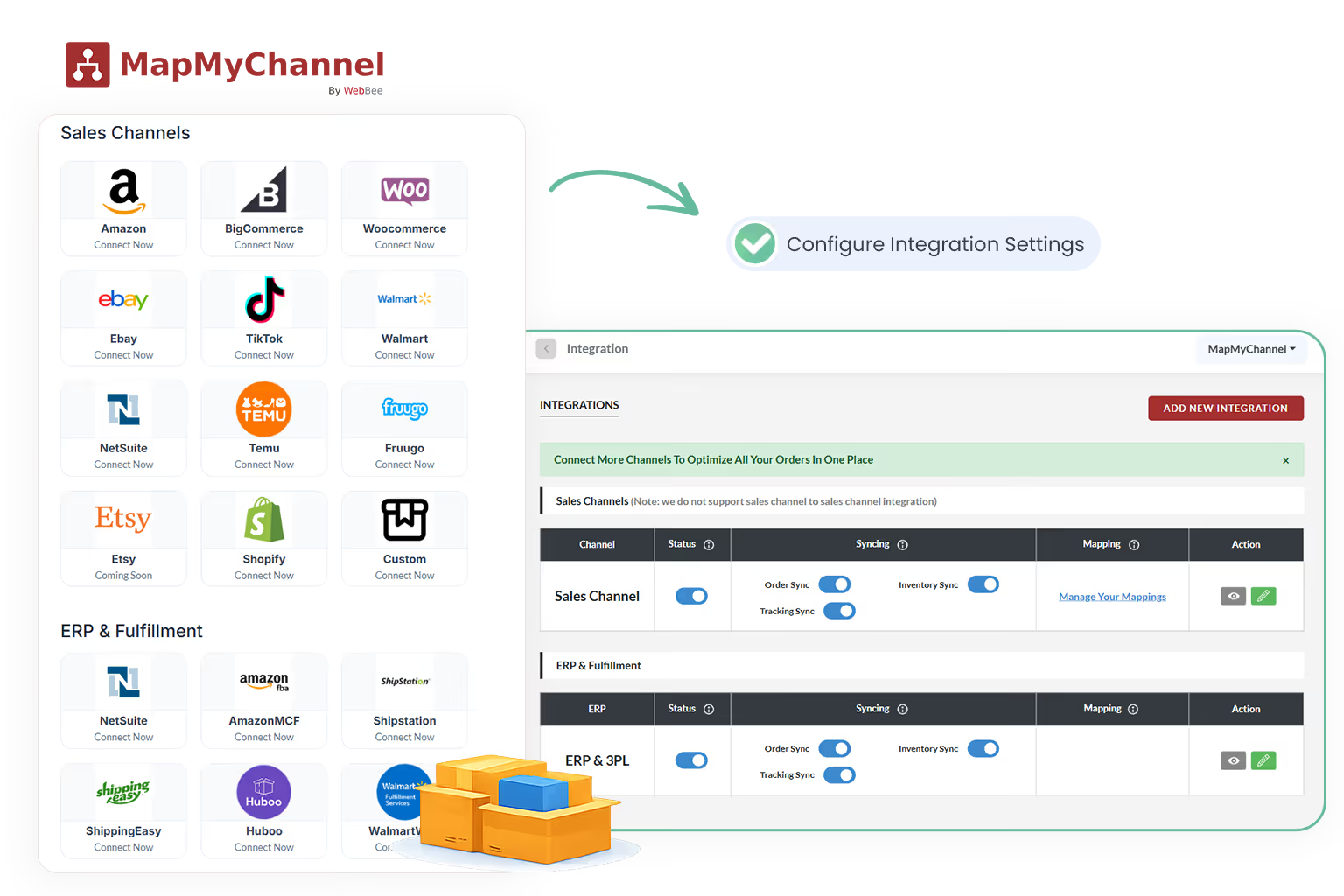
      (A). Now you have all your sales channels and ERPs/Fulfillment Partners together on the integrations page. Hence, you can manage your toggles:

      • Order Sync (for order management)
      • Inventory Sync (for inventory management)
      • Price Sync (for pricing uniformity)
      • Tracking Sync (for notification updates)
      Sign Up with MapMyChannel

      (B). Also, if you wish to add an integration, click on ‘Add New Integration’ and choose the required Sales Channel, ERP, or Fulfillment.

        Sign Up with MapMyChannel
        Step 6

        Inventory Update

        (A). With Location Mapping

        1. (1) In order to update the inventory with location mapping, visit the Products page and then click on ‘Location Mapping’.
        Sign Up with MapMyChannel
        1. (2) Now, select the Account from which you wish to update the Inventory and click on ‘Add Location Mapping’.
        Sign Up with MapMyChannel
        1. (3) Thereafter, you have to fill in the ‘Channel Location’ and ‘ERP Location’ to finally complete the mapping process.
        Sign Up with MapMyChannel

          (B). Manual Inventory Update

          In order to update the inventory manually, go to the ‘Products’ Page and then click on Update Inventory to fill in the data manually.

          Sign Up with MapMyChannel
          Step 7

          Shipment Tracking

          (1). In order to track the shipment, go to the Shipments Page and click on ‘Get Shipment’ after selecting the ERP Account.

          Sign Up with MapMyChannel

          (2). Then fill in the ‘Order Id’ and click on ‘Update Shipment’ to get Shipment Tracking updates.

          Sign Up with MapMyChannel
          Step 8

          Hold Orders

          The hold orders feature allows you to put a hold on the processing of an order for a specified period of time. To enable the same, go ahead to click on the edit button in front of the sales channel and then decide the Order Waiting Time between 60 minutes to 72 hours.

          Sign Up with MapMyChannel
          Step 9

          Select the Desired Plan

          Now, visit the ‘Plans’ page and select the desired plan fit for your business as per the requirements.

          Sign Up with MapMyChannel
          Step 10

          Customer Support

          If you are still facing issues with integration and other features, go ahead to book a meeting by clicking on Support. You will be redirected to the following page where you can select the date and time of your convenience.

          Sign Up with MapMyChannel

          Why Do You Have To Connect Your Online Business with MapMyChannel

          Multi-Channel Support

          MapMyChannel allows the seller to manage different sales channels through its centralized dashboard. You can take complete control of your orders and their delivery.

          3PL Integration

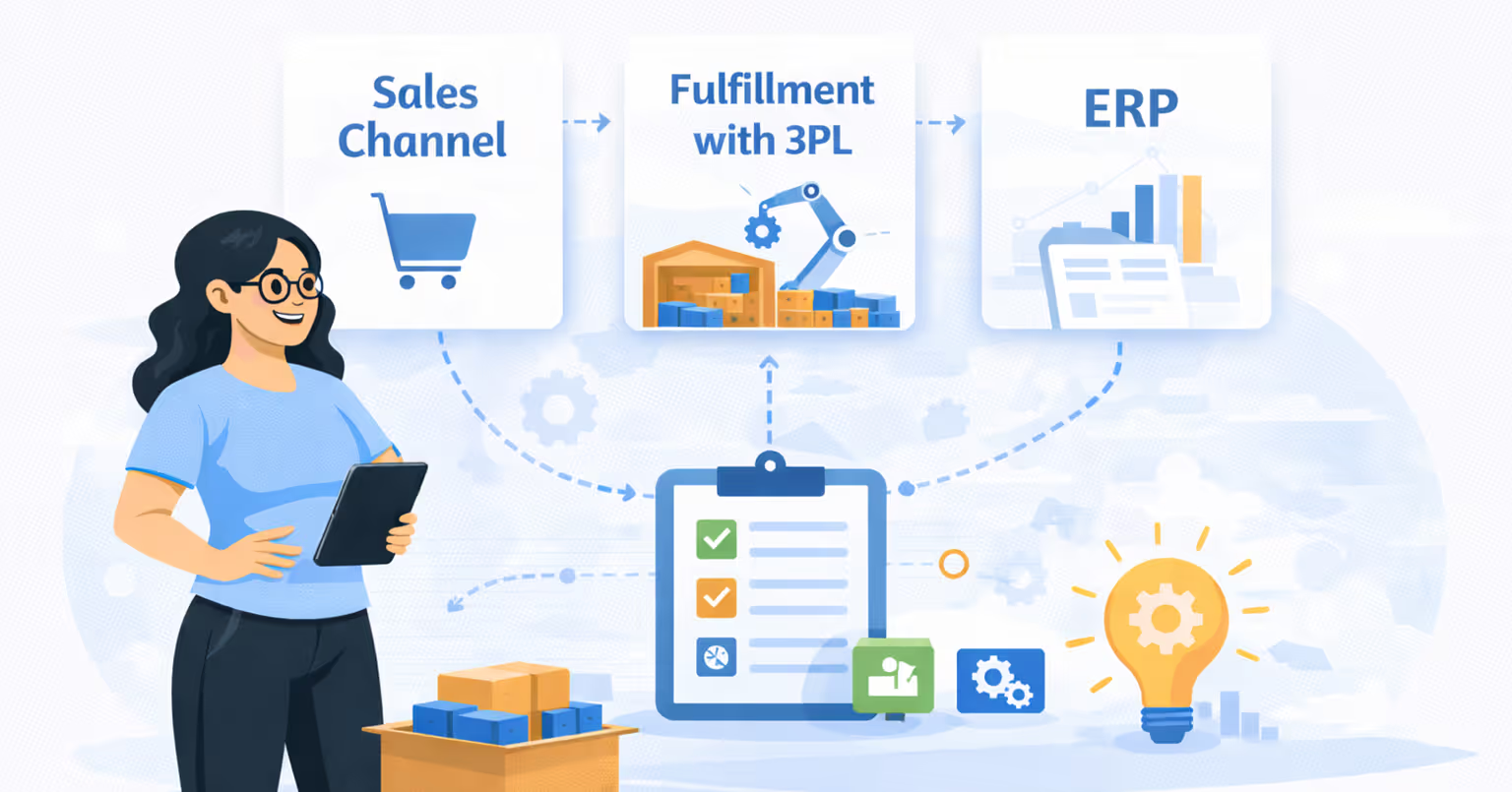
          Geographical boundaries do not limit your business from growth, as MapMyChannel allows you to integrate the business with different 3PL platforms for delivery.

          Inventory Management

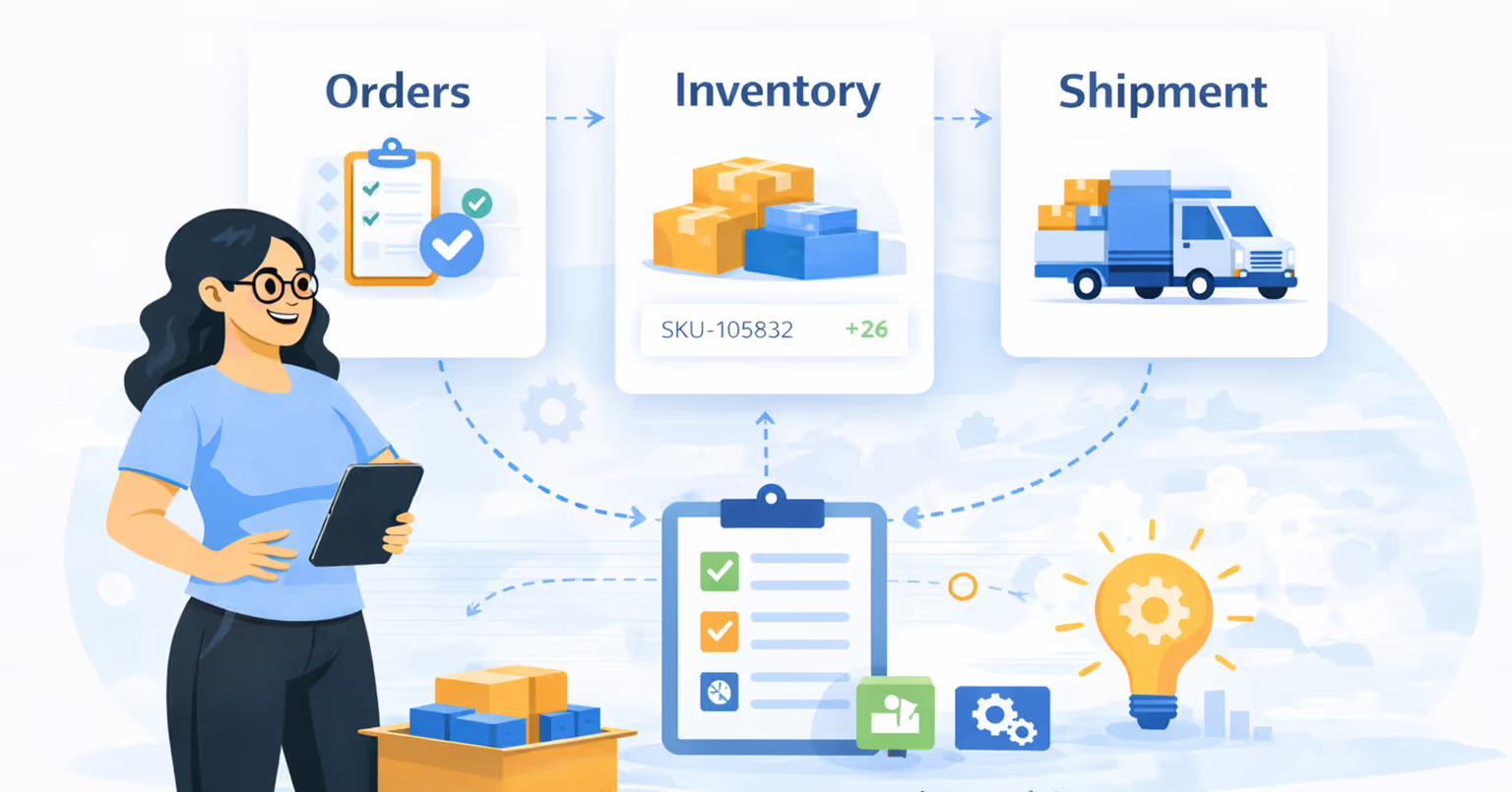
          Inventory management is simplified with MapMyChannel as it allows inventory tracking and centralized inventory management, so you can avoid stockouts.

          Global Reach

          Expansion of online business to a global level is the ultimate vision for most sellers. MapMyChannel can help you with the realization of that dream.

          Go Ahead and Sign Up for Growth Now!

          Give your business the chance to scale with simple integrations. MapMyChannel offers a free trial for you to experience the change.

          pricing
          Email
          pricing
          Phone
          pricing
          Support