AliExpress Integrations

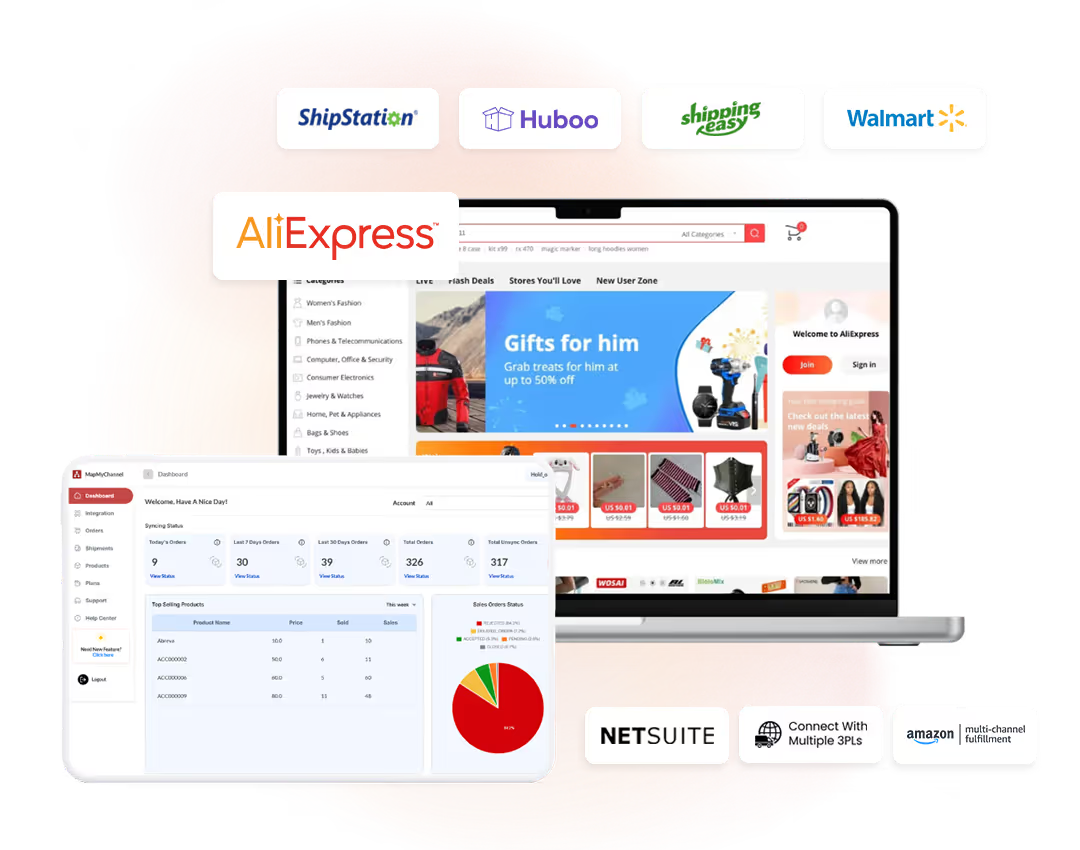
Automate and integrate AliExpress with your 3PL fulfillment partners and ERP systems to streamline operations, simplify order management, and ensure accurate financial reporting.

Let’s Integrate

Drive operational efficiency with MapMyChannel’s AliExpress Integration. Automate inventory management, streamline order fulfillment, and connect with your preferred fulfillment partners.
Integration
MapMyChannel
Integration
Amazon MCF
NetSuite
ShipStation
Walmart WFS
Shipping Easy
Huboo
ShipStation

Boost Your Business On AliExpress with MapMyChannel

Let’s look at some of the benefits that AliExpress Integrations has to offer:

Centralized Operations

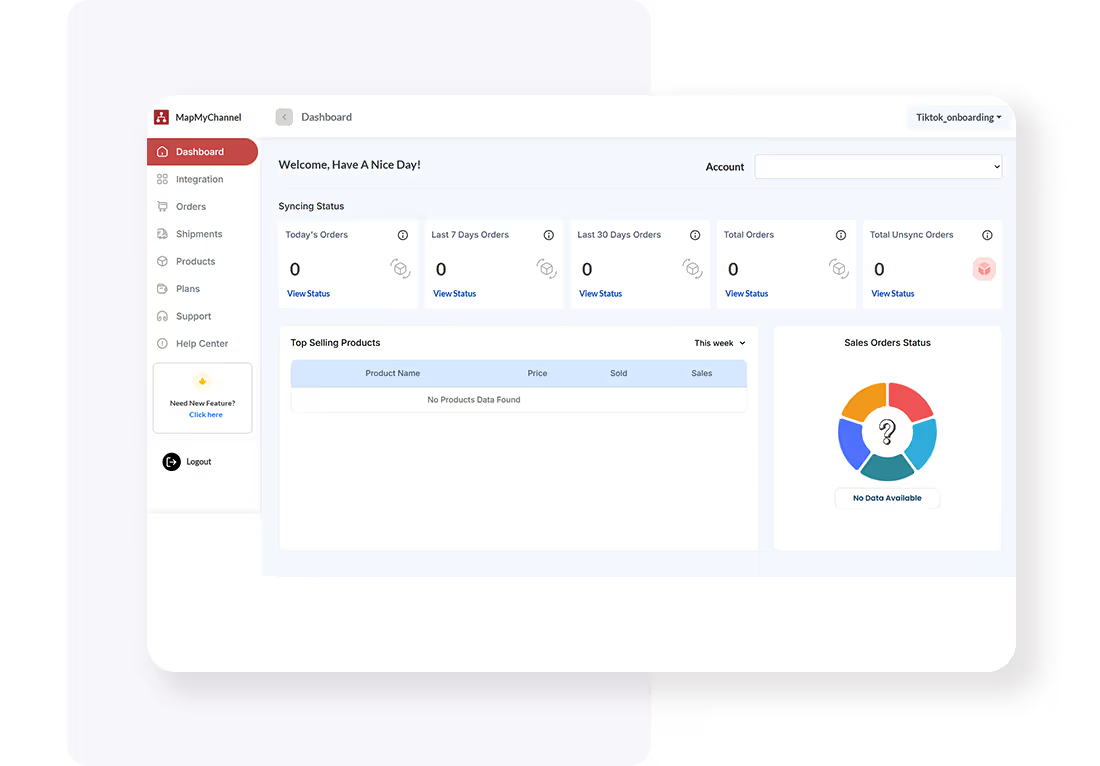
Connect sales channels, ERPs, and fulfillment partners in a centralised dashboard. Track everything at once to save time, reduce errors, and simplify business management.

Inventory Sync

MapMyChannel enables sellers to monitor stock in real time across different sales channels. It helps streamline inventory management and make smarter, faster decisions for an e-commerce business.

Order Automation

Enhance order management with automated processing and data synchronization. Also, track different orders and their respective status on the unified dashboard.

Multi-Location Inventory Management

Easily track the inventory across multiple locations for multichannel selling from one dashboard, reducing risks of stockouts or excess stock while ensuring smoother operations and smarter supply chain decisions.

Tracking and Notification

Monitor delivery progress in real time and keep customers informed with instant updates, ensuring a transparent process and a seamless, satisfying shopping experience from start to finish.

Hold Order

The Hold Order option allows sellers to pause orders temporarily for authenticity checks, helping prevent losses and conserve resources by avoiding fulfillment of suspicious or unreliable requests.

How to Integrate with AliExpress

Integration with AliExpress can be executed with the following four-step routine:
01

Create an Account

Enter name, email, and password, and activate the account with confirmation. Then, sign in to start the onboarding.
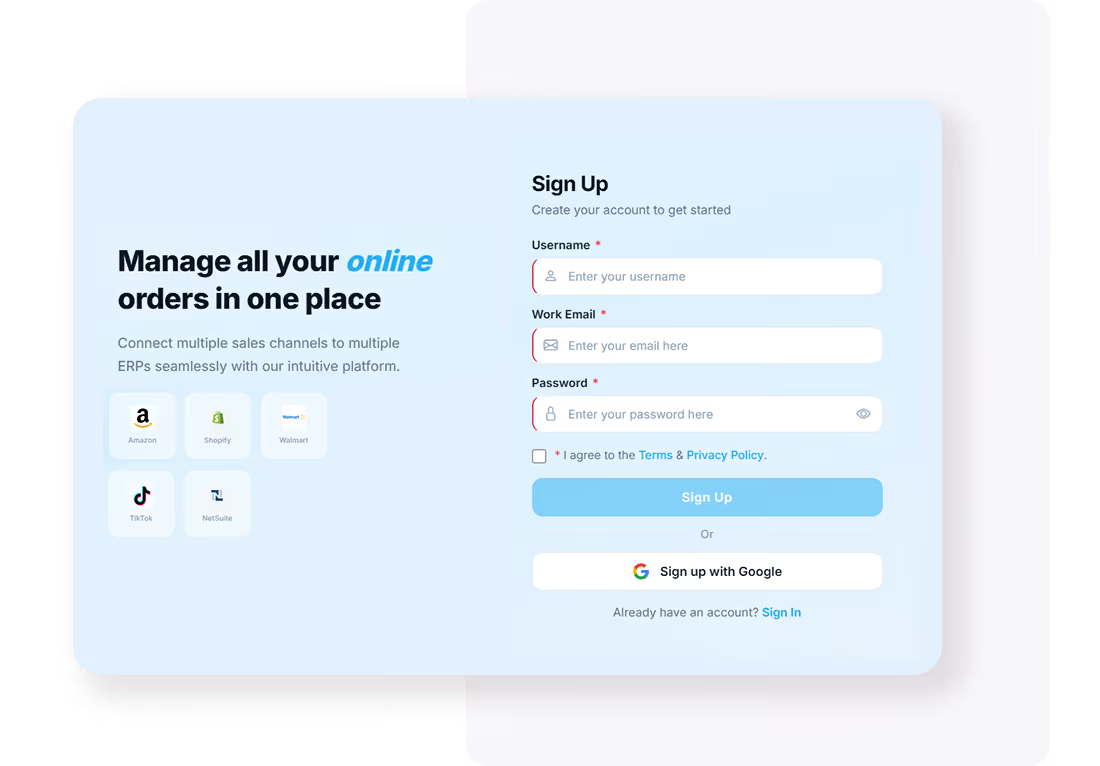
Create Account
Create an Account
Create Account
Onboarding Process
02

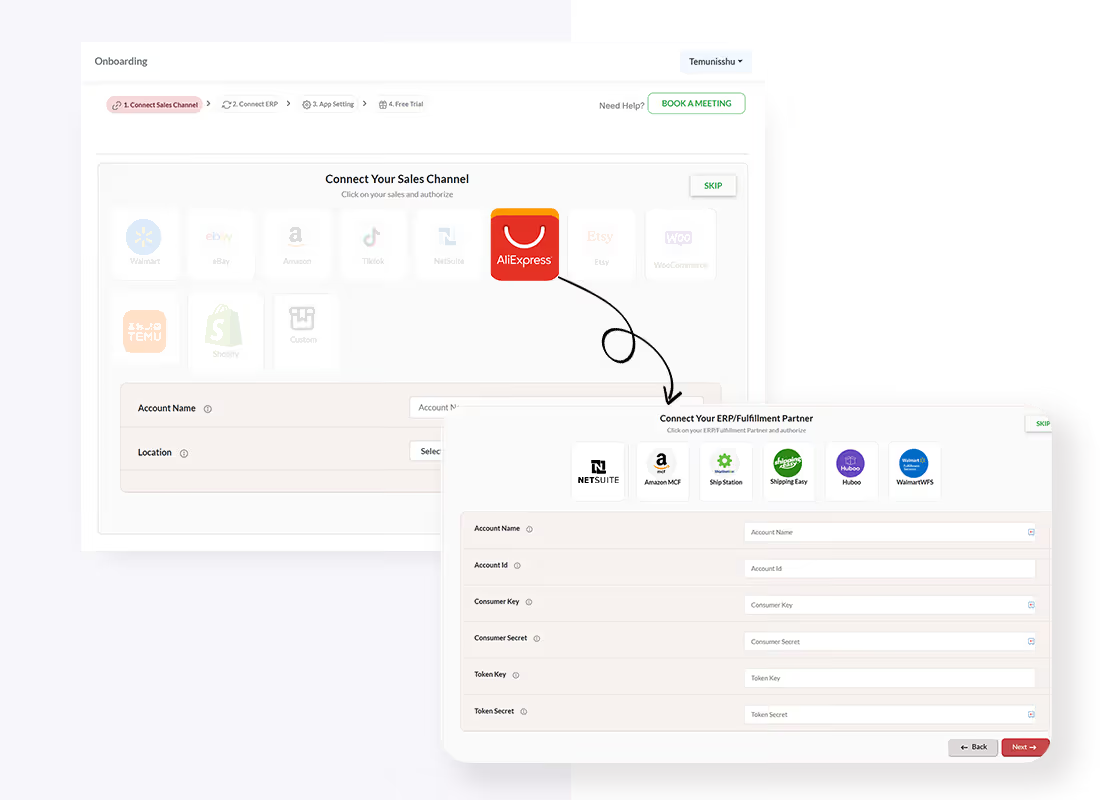
Onboarding Process

Choose your preferred ERP or 3PL integration after selecting the sales channel. Add the Accounting channel name and provide the seller account.  Click on Save and Proceed.

03

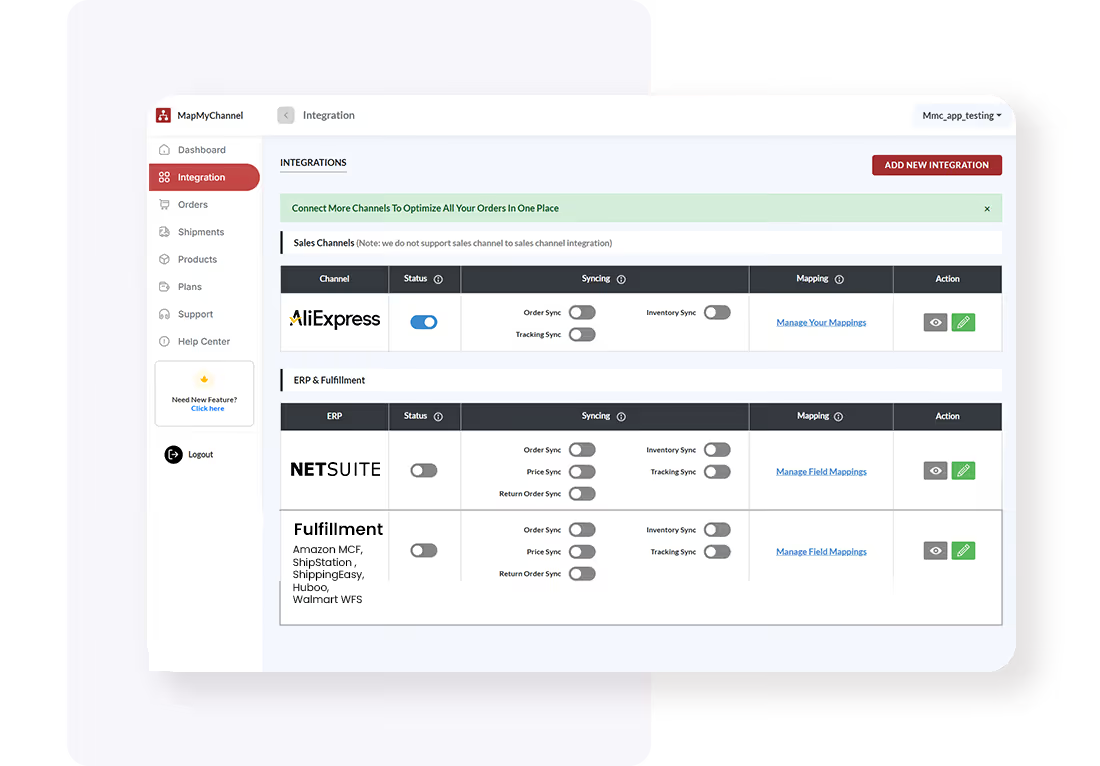
Configure Integration Settings

Change the configuration setting from the MapMyChannel dashboard in your AliExpress admin panel.
Create Account
Test and Optimize
Create Account
Test and Optimize
04

Test and Optimize

Once done, check the performance of the application to ensure seamless data synchronisation.

Start the Process

Frequently Asked Questions

FAQs for AliExpress Integrations
Q1. How many AliExpress Integrations are available?
Q2. Can I get free assistance from MapMyChannel’s support team to set up my integrations?
Q3. Can customers track their orders placed on AliExpress?
Q4. Can MapMyChannel solve my inventory issues?
Q5. How can I avail a free trial of MapMyChannel?
Q6. Which ERP can I integrate with my AliExpress store?

10X Your eCommerce Growth

Boost Sales & Eliminate Manual Work
Check
24/7 Live Support
Check
30-Day Free Trial. No Risk.
Check
Dedicated Chat Support
Exclusive Early Access
MapMyChannel Growth Pass

60 Days. Zero Cost. Full Power

Multichannel

MapMyChannel by WebBee

Experience 60 days of MapMyChannel by WebBee at no cost. Connect your sales channels to Amazon MCF, NetSuite ERP, and 150+ fulfillment partners — with full access to advanced features.Absolutely free.

Start Free Access 🚀

Unlock the Growth Pass.

One dashboard. Every marketplace. Total control.

Limited time offer for new users. No credit card required for initial setup.