

Business needs a hundred percent attention at all times cause one mistake can wreck a lot more than the owner thinks. But let’s be real, there is just so much to handle with a business that being attentive to all the minute details is near impossible. Especially, the data and departments need accuracy and real-time updates, which is the most difficult part of management. This is where NetSuite comes into play and takes over the management of resources, finances, accounting, inventory, and a lot more. But with all the good things, it needs to be integrated with the business through API integration. While it might seem quite daunting as a term, it is pretty simple to understand. Let’s break it down in the following segments of this blog. Keep Reading!
NetSuite API Integration Defined
The term is a combination of two individual terms: NetSuite and API Integration. Let’s understand each one of them.
NetSuite is a cloud-based business management platform that offers a fleet of applications like ERP (Enterprise Resource Planning) and CRM (Customer Relationship Management), along with e-commerce functions like inventory management, order processing, and other related functions. It allows the business owners to have a clear view of business data and enables efficient management with real-time updates.
API stands for Application Programming Interface, and API Integration refers to linking different platforms or software together through a secure system that allows flawless communication and data sharing between the two parties.
API Integration of NetSuite refers to connecting the cloud-based business management software with the sales channel for efficient business management to provide better customer service. Also, it allows the seller to keep track of the business performance for long term growth.
Variations of API-Based Connection to NetSuite
There are different types of API based integration options that sellers can opt for if they wish to connect the ecommerce business to NetSuite ERP. Here’s the list:
SOAP API
Based on SOAP (Simple Object Access Protocol), this is the most dependable and well-established API for NetSuite. It offers a methodical and thoroughly documented approach to using the ERP software. Using this method, nearly all NetSuite records are supported with full access. Also, it is a reliable option because it has been in the business for years. It offers excellent service for extensive data transfers that come with Token-Based Authentication (TBA) and OAuth, which are used to provide strong security support.
REST API
The REST API is more recent and still developing. It's still in beta, and it still has restrictions despite being intended to be more straightforward and contemporary than SOAP. It uses JSON rather than XML, making it easier to use. As far as the usage is concerned, it is a better fit for Mobile Apps and the Web since it is lighter than SOAP. Apart from this, the Standard REST Format facilitates easier integration with contemporary technologies.
SuiteScript and RESTlet
This is different as it is not one of those standard APIs mentioned above. It is the method through which the sellers can create custom scripts that support seamless integration to enable automation and data exchange. SuiteScript is NetSuite's scripting language that allows the software developers to personalize and automate processes on the platform. It is ideal for lightweight API requirements, internal automation, and custom integrations.
How Will the Business Dynamics Change with NetSuite Integration
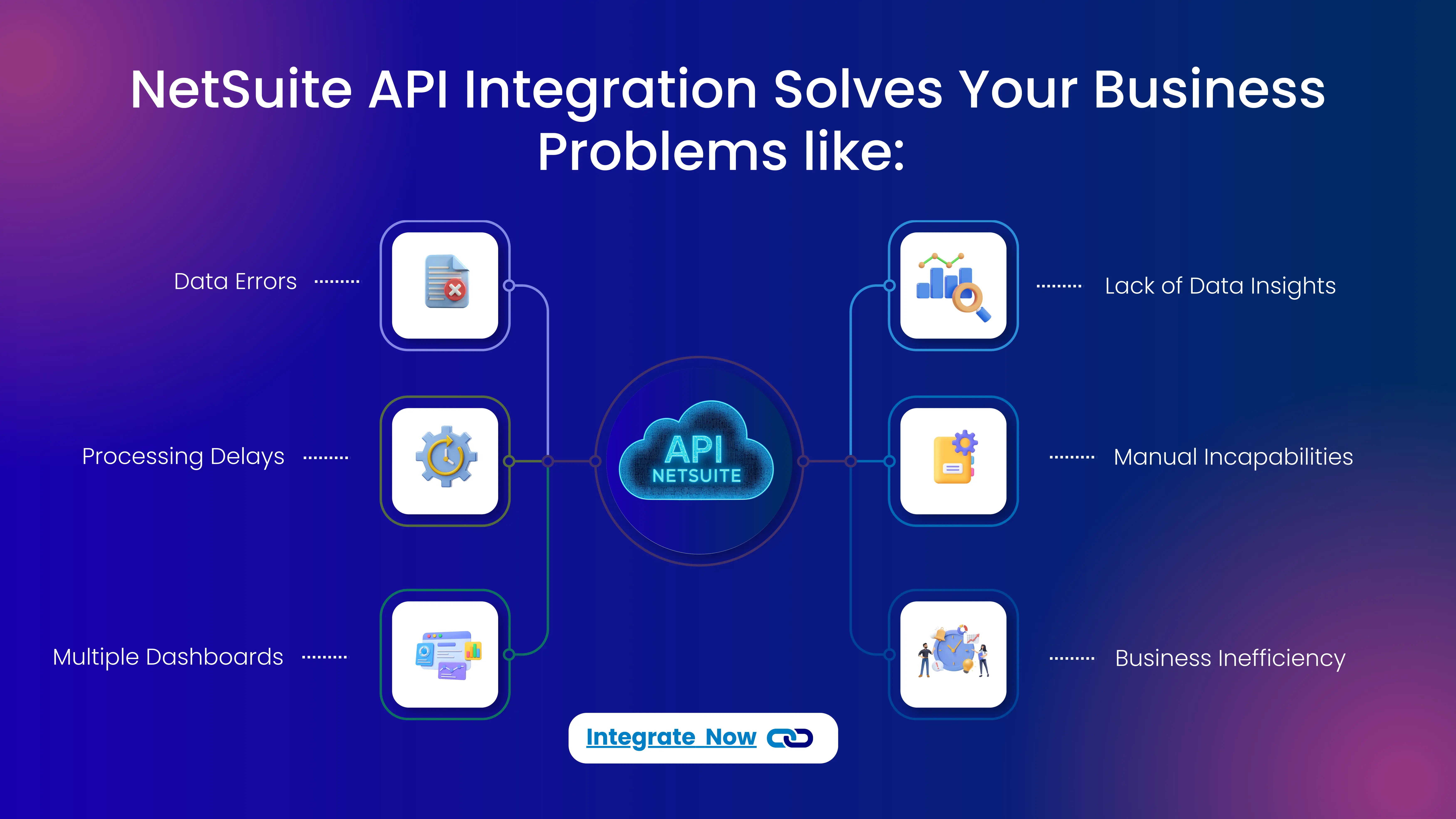
There are multiple positive changes that a simple API Integration of NetSuite can bring. Following is the list of benefits:
Data Synchronisation in Real Time
Data Sync is the primary purpose of API integration and the same with NetSuite leads to better business visibility for the business owner. The automated sync allows the sellers to ensure accuracy of customer records, sales transactions and account updates, eliminating human intervention for seamless outcome.
Custom Reports and Data Insights
Reading business and understanding the performance of the same is only possible if the data insights of the same is available. API integration of NetSuite gives way for ecommerce business owners to have a better understanding of the sales, revenue and the overall performance. So, they can apply the right marketing strategy for long term growth.
Connecting Online Stores with NetSuite
Sellers generally sign up for different online selling platforms rather than just depending on one. Different online stores have their own dashboard, which can be difficult to study individually. Netsuite API ecommece integration allows for seamless connection and access to centralisztion of the data on the variety of sales channels.
Automation of Business Operations
The best part is that sellers can avoid repeated tasks like invoice generation, purchase approvals and data validation. Automation does everything a more. So, the mistakes are less and lesser are the related losses. Also, since there is no human intervention, there are no delays, hence customers get a faster service.
How API Integration Empowers the eCommerce Growth?
Detailed Process for API Integration
There is a process through which the ecommerce sellers can go ahead and integrate NetSuite to their business API. There is ap process to it and the same is explained here:
Step 1: Select API Integration Software
The application with which you will integrate NetSuite will play a major role in how the business will effectively function post-linking. So, select the software that provides:
- Robust NetSuite Connectivity
- Data Transformation and Mapping Capabilities
- Real-time and Batch Processing
- Scalability and Performance
- Error Handling and Monitoring
- Security
- Ease of Use
- Reporting and Analysis.
Step 2: Create an Account
Sellers just need to provide their name, e-mail and password for Sign-up. Then activation is required, using the confirmation email on the given email ID. Sellers can then simply sign-in to start the onboarding process on MapMyChannel.
Step 3: Integrate NetSuite
Once signed in, select “NetSuite” and enter the “NetSuite Seller account name”. Then go ahead to choose the desired ERPs, and add “Accounting channel name”. Further the seller needs to provide “seller account credentials” and “accounting platform credentials”. Click “save and proceed”, to save the credentials and confirm the Integration.
Step 4: Configure Integration Settings
Now, you have access to the MapMyChannel dashboard in your NetSuite admin panel. Configure the integration settings that you require and go on to experience simplified management that is accurate and fast.
NetSuite Integration is the Ultimate Solution for Efficient Business Management
Netsuite is the ultimate solution to every business management need, especially when it is about ecommerce. Sellers do not have to worry about mapping data and process the orders. They can rely on the cloud-based software for this. When the API integration software is MapMyChannel, automation is on fingertips. With the process mentioned above, sellers not just integrate but also get access to real-time inventory management, order fulfillment, hold order feature, and notifications tracking. Basically, everything that you must be looking for. So, wait no more and integrate NOW!
Get in Touch

.webp)

.webp)


