📢 Limited Offer: Start Selling on AliExpress – 3 Months FREE!
Unlock Offer ➤
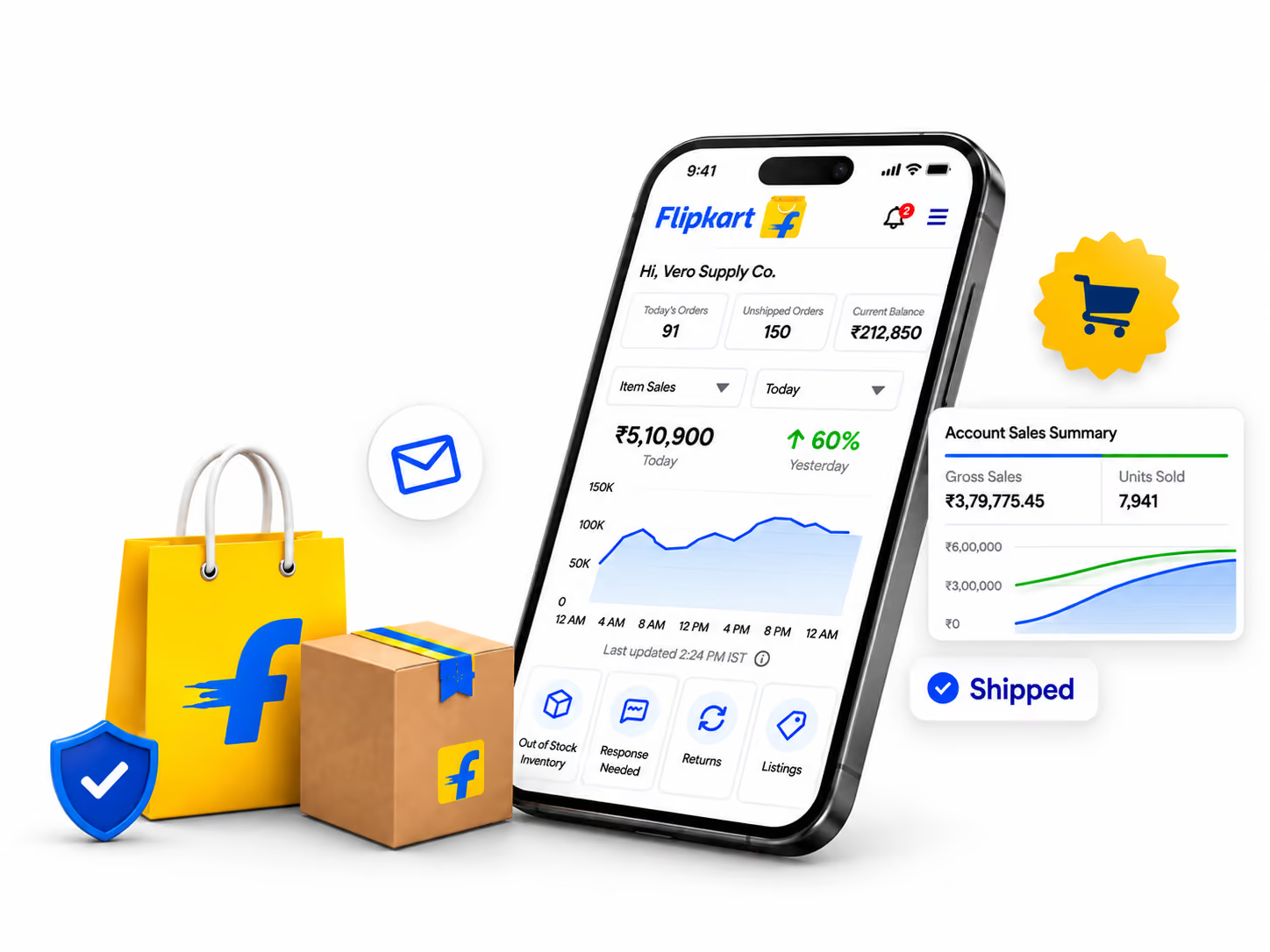








Match Flipkart inventory with your in-house inventory to eliminate overselling, stockouts and misrepresentation of availability.
Free up your team's time and eliminate manual order entry and updates by connecting Flipkart orders into your operational flows.
Track and manage stock across multiple warehouses or fulfillment locations for accuracy, and track what's available for Flipkart sales.
Sync Flipkart order details to your ERP, or 3PL for streamlined fulfillment processes, shipping updates and order visibility through to delivery.













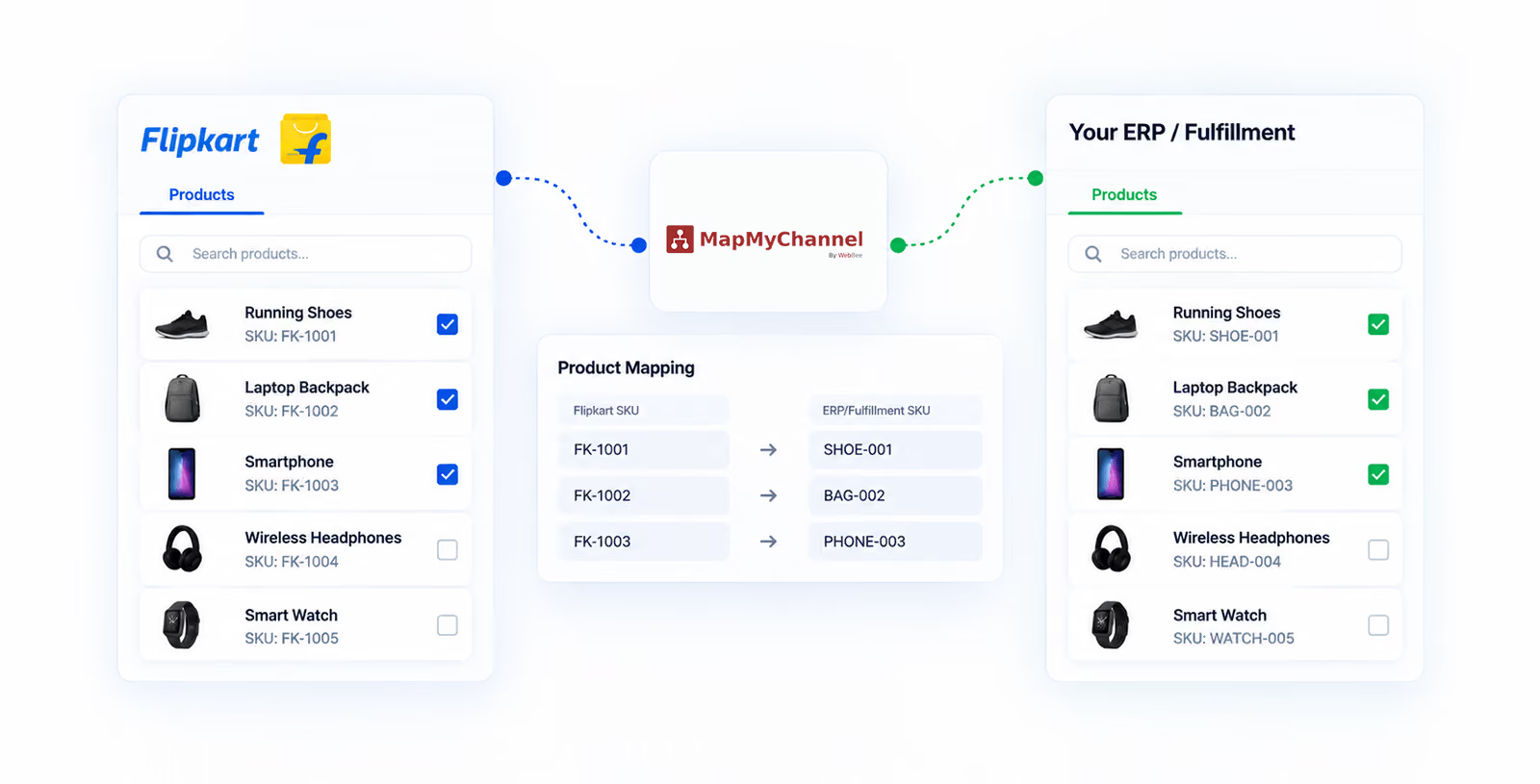
Flipkart is India’s online marketplace allows sellers to sell their products on one platform, communicate with customers and take manage orders across multiple categories. Flipkart integration syncs your marketplace data to your order management, inventory and fulfillment systems. MapMyChannel connects your Flipkart account with your ERP and fulfillment partners. This facilitates easier management of inventory, orders, tracking and fulfillment for all your Flipkart sales.
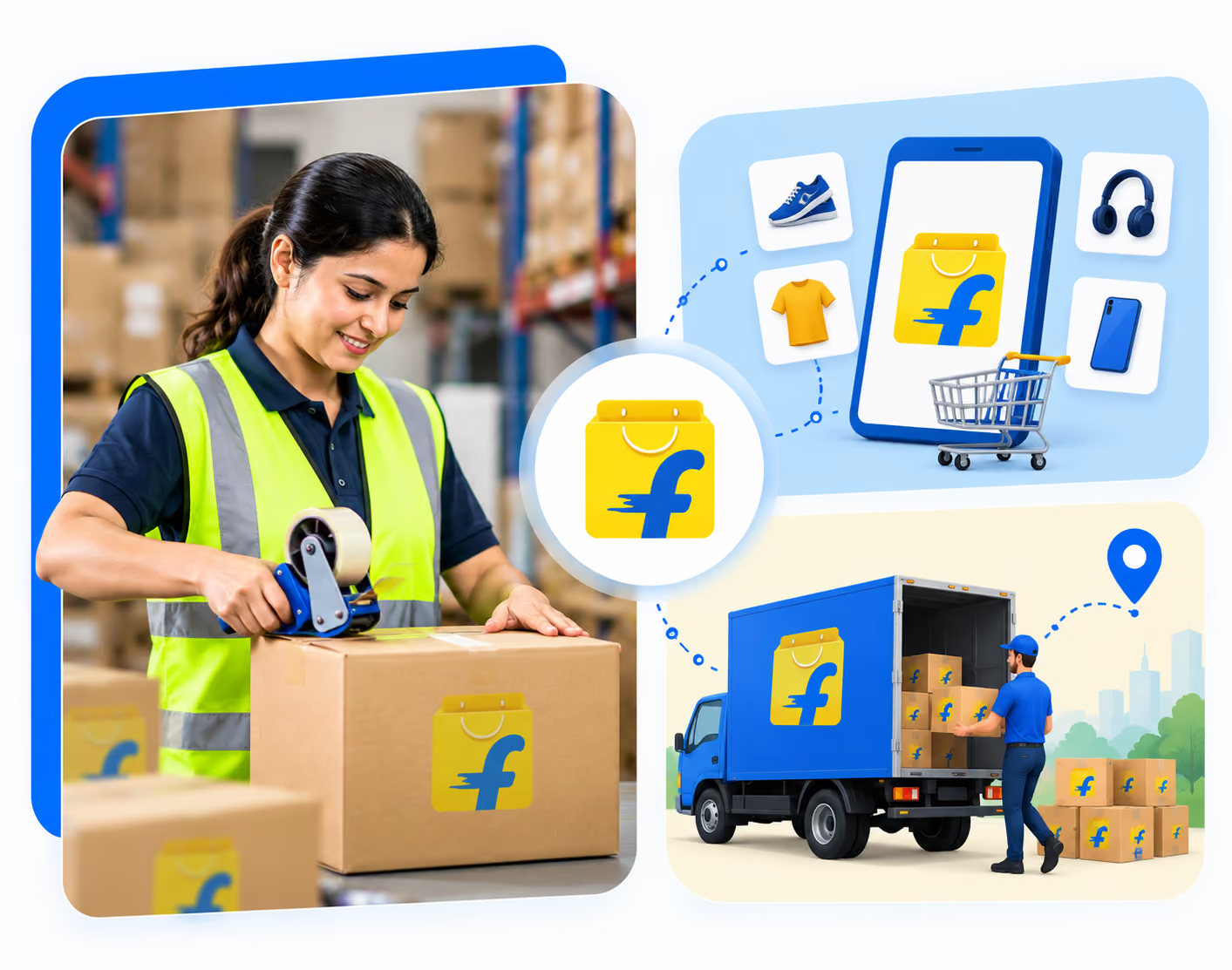
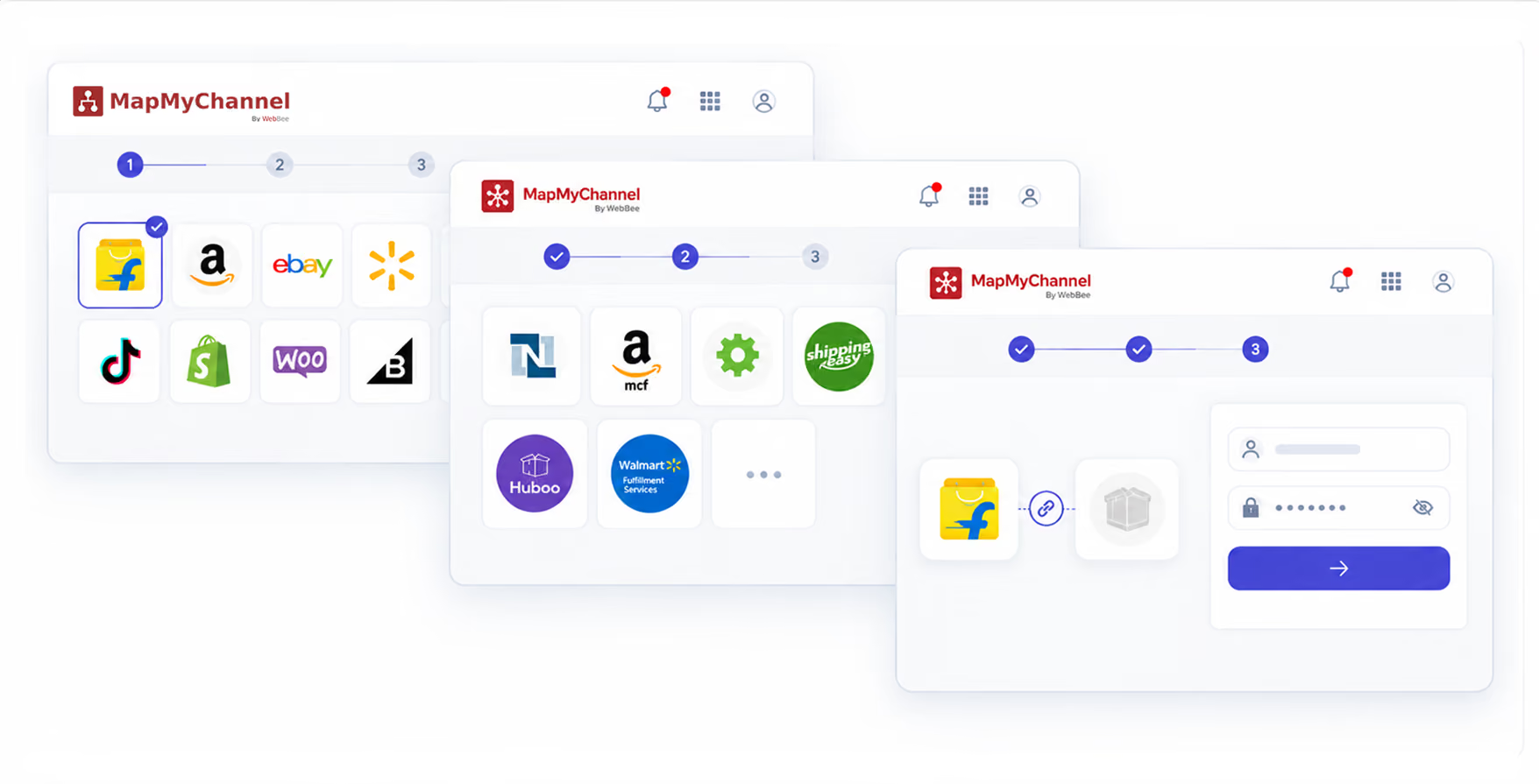
Connect Flipkart with ERP or fulfillment platform
Keep Flipkart inventory updated with stock levels from your ERP and connected fulfillment locations to maintain accurate availability.
Automatically bring Flipkart orders into MapMyChannel and pass them to your ERP or fulfillment partner for timely processing.
Sync real-time shipment and tracking details from your fulfillment partner and update Flipkart as the order moves through delivery.
Manage inventory across multiple warehouses and locations, giving sellers greater control over where Flipkart orders are fulfilled.
Place eligible orders on hold when additional verification, inventory checks, or operational review is required before fulfillment.
Move orders from Flipkart to the fulfillment partner with less manual intervention, helping simplify dispatch and order handling.
Connect the Flipkart Multi-Channel Solution with MapMyChannel in just four simple steps.
Sign up with your email and password, or simply continue with Google to create your MapMyChannel account.


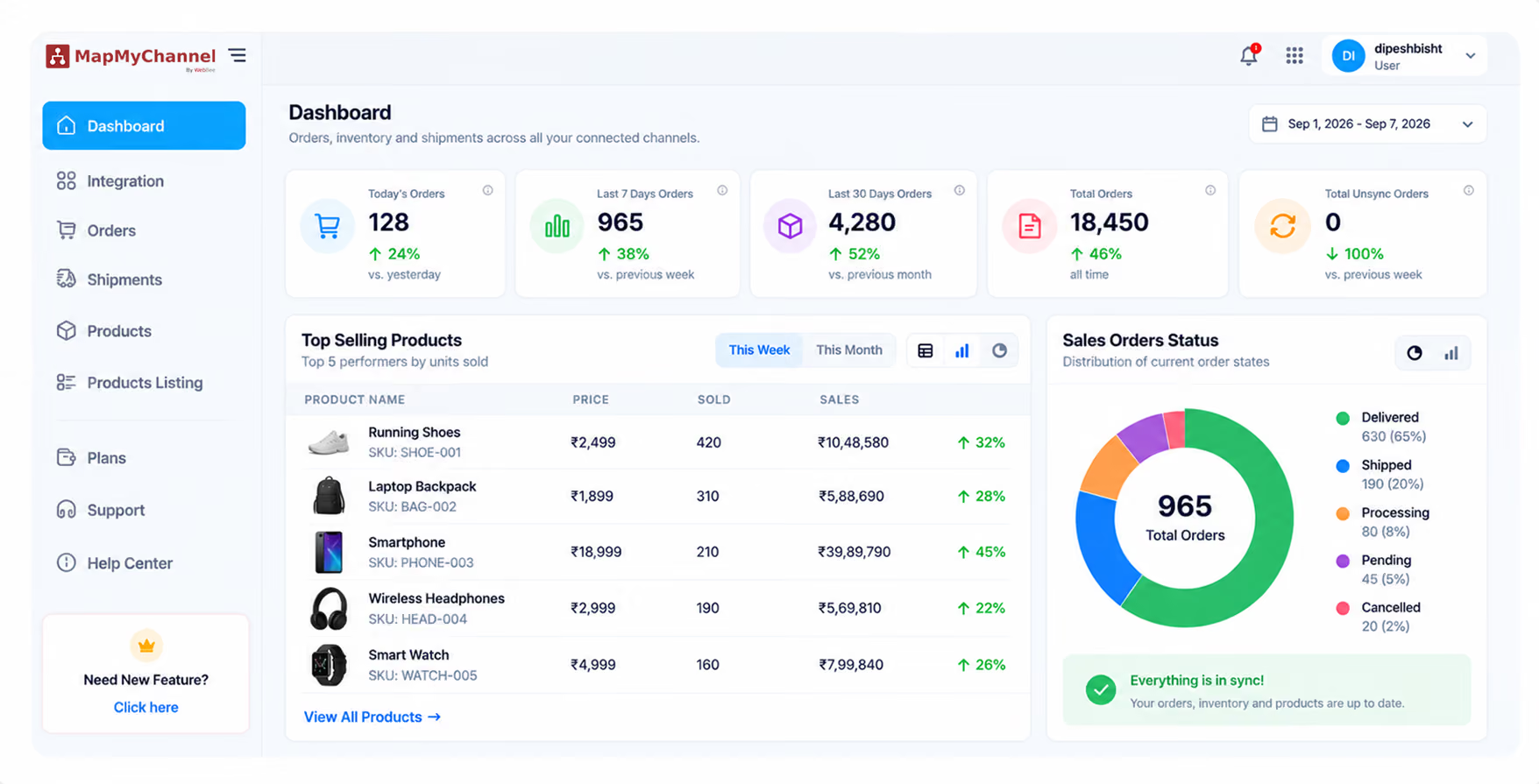

Simplify Flipkart order processing and keep inventory synchronized up to 3X Faster across your connected channels




.webp)

.webp)


