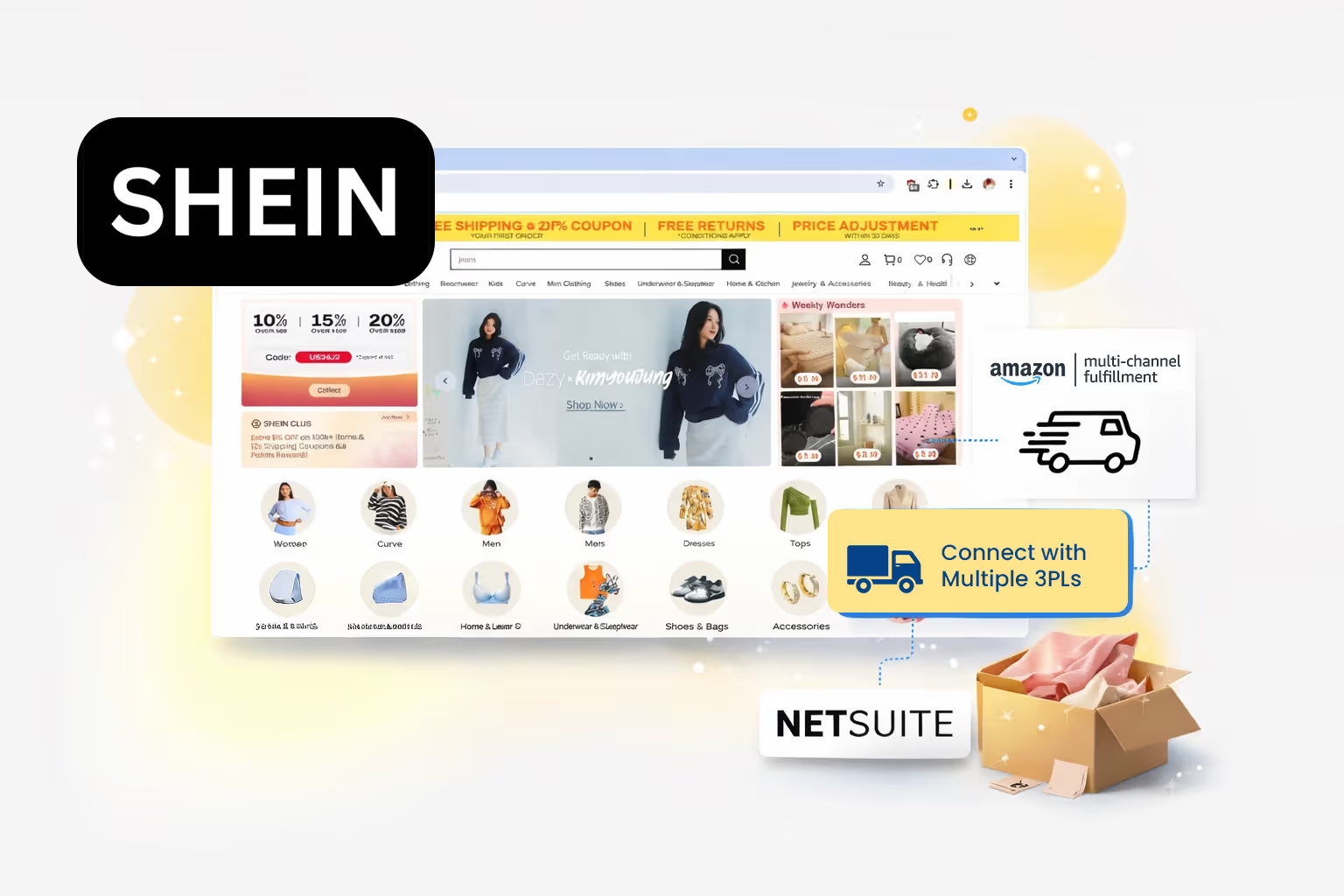
SHEIN Integrations

Plug into SHEIN’s fast-fashion ecosystem with faster fulfillment and powerful automation using a smart API-based integration platform.

Unlock Unmatched Sales with SHEIN Marketplace Integration

Connect your SHEIN store with MapMyChannel to streamline operations, gain better visibility, and scale your business effortlessly.
Integration
MapMyChannel
Integration
Amazon MCF
NetSuite
ShipStation
Walmart WFS
Shipping Easy
Huboo
ShipStation

How Does SHEIN's Integration Benefit Your Business?

Discover the key advantages of SHEIN store linking:

Smart Inventory Buffer

Eliminate ‘out of stock’ situations with a smart inventory buffer. Store the stock in a buffer zone to maintain product availability for customers and protect your brand image.

Seamless Order Management

Automate the entire order management line from acceptance to confirmation. So you can reduce manual effort and give your business the extra effort that it requires.

Real-Time Tracking & Notifications

Track the real-time status of the dispatched orders, and notify your customers with timely updates. Maintain transparency and reduce support queries effortlessly.

Automated Workflows

Streamline inventory, order fulfillment, 3PL support, and business centralization together with automation to manage better and scale higher.

Unified Control Dashboard

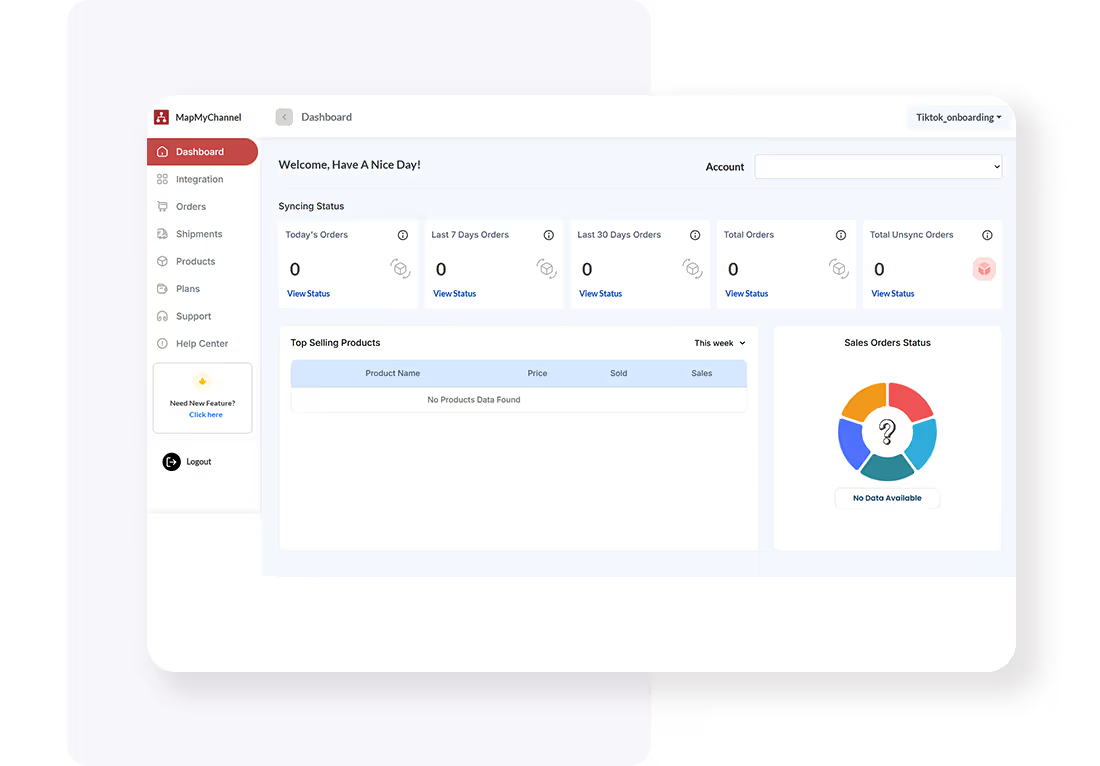
The centralized dashboard of MapMyChannel brings together sales, orders, and inventory from different sales platforms for better visibility and understanding.

Multi-Partner Fulfillment Integration

Easy 3PL (third-party logistics) integration allows streamlined data synchronization and error-free fulfillment, improving the customer experience.

Connect SHEIN to MapMyChannel Effortlessly

SHEIN–MapMyChannel integration in 4 quick steps
01

Create an Account

Enter the name, email, and password to create your account, and activate it via confirmation. Then, sign in to start the onboarding.

Create Account
Create an Account
Create Account
Onboarding Process
02

Onboarding Process

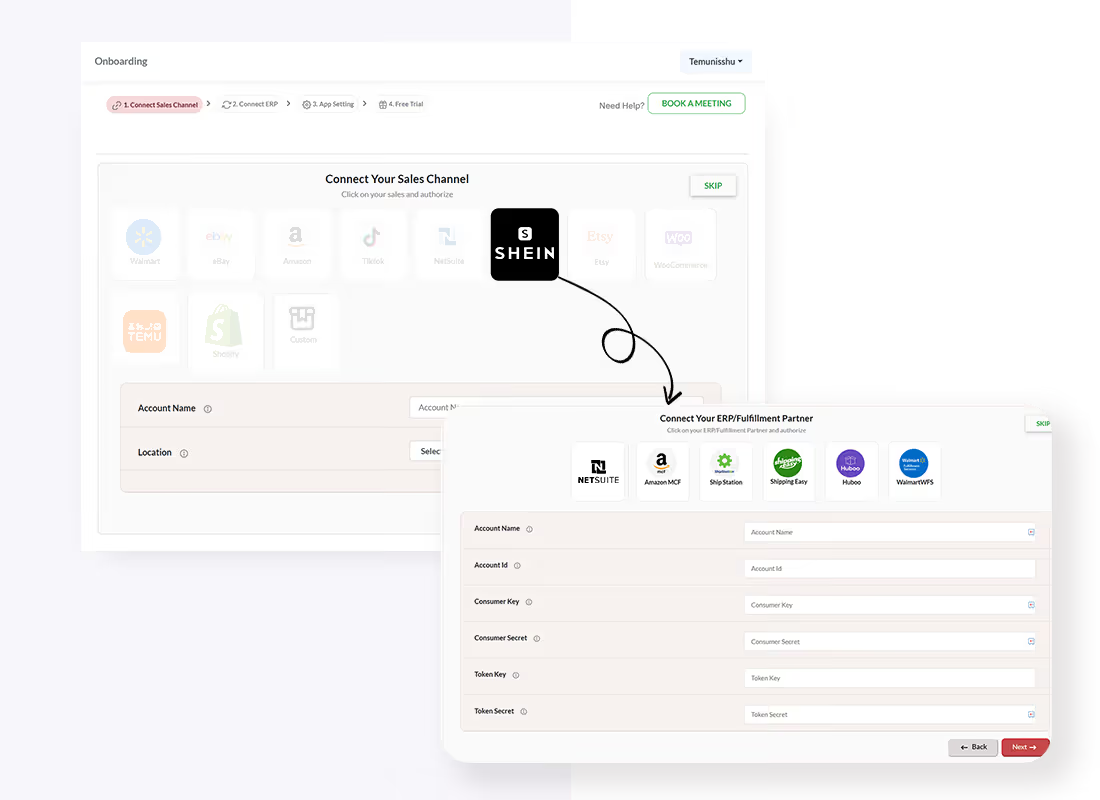
Choose your preferred ERP or 3PL after selecting the sales channel. Add the Accounting channel name and provide the seller account. Click on Save and Proceed.

03

Configure Integration Settings

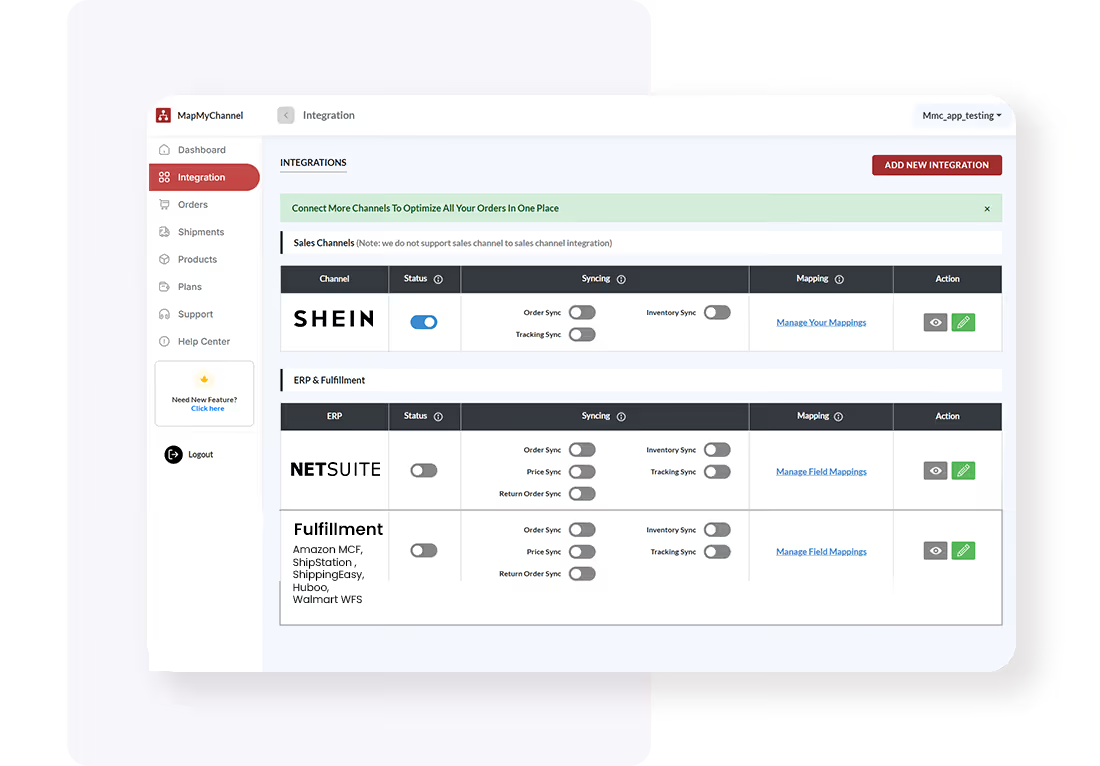
Access the MapMyChannel dashboard in your SHEIN admin panel and configure the required integration settings.
Create Account
Test and Optimize
Create Account
Test and Optimize
04

Test and Optimize

Once set up, optimize your settings as needed to ensure seamless data synchronization between SHEIN and 3PLs/ERPs.

Start the Process

Frequently Asked Questions

FAQs for Shein Integrations
Q1. Does MapMyChannel sync my inventory and orders with SHEIN?
Q2. Is support available during the SHEIN integration process?
Q3. Is there a limit to the number of products and orders that can be synced?
Q4. Which Fulfillment/ERP systems does MapMyChannel support for SHEIN integration?
Q5. Can MapMyChannel help resolve inventory issues?

Click to claim a free trial!

Create Your Free  MapMyChannel Trial Account Today!!
Check
24/7 Live Support
Check
30-Day Free Trial. No Risk.
Check
Dedicated Chat Support