
Introduction
Working with scaling wholesale vendors, we have witnessed a similar scenario over & again: companies begin by utilizing a basic inventory management solution, and everything is going well. They have an idea about the inventory they have, matching the user demand, & sales are powerful. Then they begin to expand, add new products, broaden their user base, and might add more warehouses. And then they face chaos. Stock counts in the dashboard aren't equivalent to what is in the warehouse; they are aiding orders routinely because of stock-outs, & their users aren’t impressed. It is not the right scenario, but it’s common.
To overcome this, inventory management software can help you. NetSuite is the supreme ERP software encouraging merchants across all industries. From a usability standpoint, it can provide significant value to the business. In this blog, we will understand more about NetSuite Inventory Management. Let’s dive in!
What is NetSuite Inventory Management?
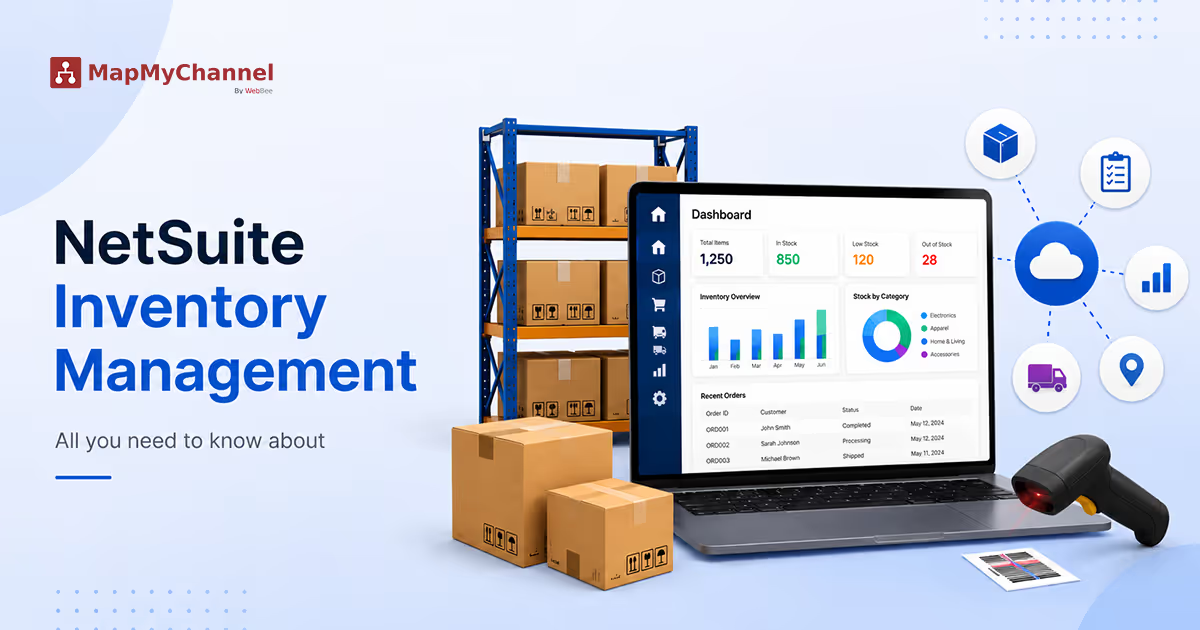
As a cloud-powdered solution, it offers a real-time, integrated outlook of inventory beyond each sales channel & business location. These involve warehouses, 3PL providers, store locations, drop shippers, & pop-up stores. With the execution of such a system, businesses can track & handle stock from a single place, enhancing efficiency & accuracy.
Why is NetSuite Inventory Management Important?
Inventory management is one of the paths to the success of firms, as it aims to enable the optimal stock for the task, i.e, avoiding surplus or shortage of inventory & making sure that whenever a user needs a product, it is available. Let’s explore the reasons why it is important for businesses.
1. Real-Time Visibility of Inventory
It offers real-time tracking of stock levels across every warehouse, location, & department. Also confirms inventory levels accurately, avoids stockouts or over-ordering, and encourages the teams to develop quicker & better decisions.
2. Streamlining Processes
NetSuite smooths & quickens tasks like goods receipt, stock counting, & order fulfillment by using methods like RFID & barcode scanning.
3. Data-Centric Business Decisions
Firms can make smart choices depending on figures & facts via the use of analytics & reports built into NetSuite. This helps in saving efforts & money by avoiding excess stock or losing sales.
4. Better Forecasting
It gathers & analyzes inventory details to build trends & the sequence of user demand. This enables businesses to understand the amount of stock that they need in the future.
5. Optimizing Inventory Levels
NetSuite helps keep sufficient stock at the right cost & time. This refers to the fact that the system enables you to carry enough stock while also keeping costs lower.
Major Mistakes in NetSuite Inventory Management
1. Insufficient Inventory
When you are not doing proper inventory management, you end up taking various risks. This kind of scenario can result in the loss of user confidence, future sales, & limited sales. So, it is necessary to have the right controls in order not to face such issues.
2. Seasonality Problems
Do you know about the variations that happen in your firm's demand? The item offer should be adapted to the preferences of its users in every season and time of year. So, to take out this information, businesses need to make a proper plan to avoid delays.
3. Excess Inventory
Surplus inventory is one of the major problems faced by businesses, mainly in times of shortage. When we talk about perishable products, the issue turns into total losses.
4. Lack of Physical Inventory
Many firms end up not keeping out inventories routinely and think that the amount displayed in their controls is certain. This can result in unnecessary buying problems or stockout issues for the company.
5. Use of Inefficient Inventory Management Tools
Another common issue in inventory management is utilizing inadequate monitoring tools.
It is insufficient to utilize solutions to manage batches & product series. It is essential to have techniques that are connected with the buying & sales regions and enable you to manage the real value of your stocks.
Best Practices of NetSuite Inventory Management
1. Highlight All Important Information
Whatever way you decide to assemble your inventory details, it is vital to build the appropriate information to be gathered. If you’re not able to record details correctly, you can create choices that adversely influence the financial goal of your business.
2. Control Your Inventory With a Single System
Handling your stock from various systems is a waste of time, and it's simple to make errors. Choosing a one system to monitor your inventory can create everything easily.
3. Pay Attention to Costs & Revenues
NetSuite Integration is not only restricted to physical control. For the company to be attainable, it is important to track the inventory creating into a/c the face value & its turnover & revenue margin.
4. Manage Your Old Goods
Managing old stock accurately will assist you prevent losing goods because of outmoded or expiry, & help the firm incur losses.
5. Track Your Sales
Every issue stores can go through, but going out of stock is the most risky one. Tracking sales is an essential approach for business success, not only for managing inventory.
Conclusion
NetSuite Inventory Management is an essential tool that can assist your business’s inventory workflows. Its real-time visibility, multi-location management, & demand planning offer a complete solution for handling inventory efficiently.
Want to integrate your inventory management? MayMyChannel can support you in smoothly integrating your ERP with several systems, automating orders, inventory, data flow between eCommerce, & more, allowing real-time precision & boosting ROI.
Get in Touch

.webp)
.webp)


