
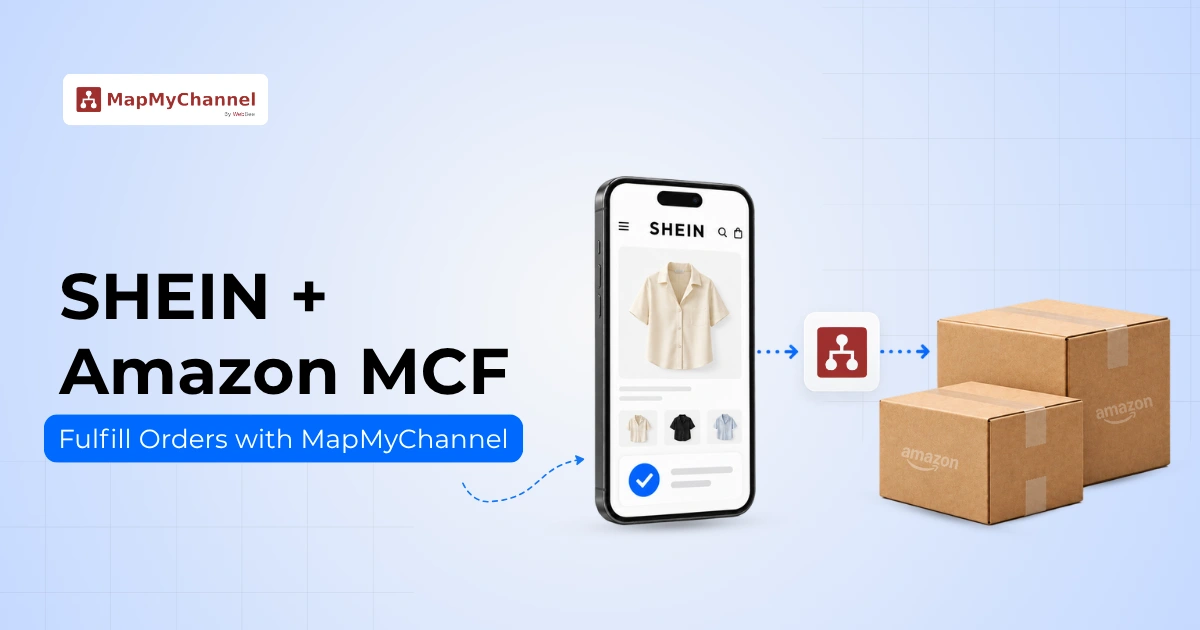
Expanding your business to sell on SHEIN and fulfill orders through Amazon MCF can help you to reach millions of active shoppers globally. Selling in a new marketplace can create growth opportunities, but managing larger inventory or multiple shipping workflows manually can slow down business growth.
Amazon Multi-Channel Fulfillment helps sellers store inventory in Amazon's fulfillment network and pick, pack, and ship orders on other sales channels. This can reduce the need to manage fulfillment independently. With a suitable SHEIN Integration, sellers can streamline order processing and inventory management.
This blog breaks down exactly how to fulfill SHEIN orders using Amazon MCF. Along with the setup process, how integration software eliminates manual errors and protects seller ratings.
What Is Amazon MCF for SHEIN Orders?
Amazon MCF (Multi-Channel Fulfillment) is a specialized service that lets online sellers use Amazon's fulfillment network to ship orders that are placed on other sales channels. Even if a customer buys a product on a completely different marketplace, Amazon can still fulfill the order as the fulfillment partner.
This is an advantage for SHEIN marketplace sellers. Instead of managing additional storage facilities and fulfilling orders themselves, sellers can use Amazon's fulfillment services to store inventory and fulfill orders. Once a business sets up a SHEIN Amazon MCF Integration, it gains access to reliable Amazon MCF fulfillment services while retaining full control of its operations. An Amazon MCF Integration can help coordinate order processing and fulfillment for eligible orders from other sales channels.
What You Need Before Fulfilling SHEIN Orders with Amazon MCF?
Before enabling automation and launching their products, sellers need a few requirements. Having these items organized early helps sellers avoid common onboarding errors.
1. Active SHEIN Seller Account
Sellers need an approved SHEIN Seller account for the specific region where they plan to sell their products. Make sure account registration is active and free of compliance flags before connecting any integration software.
2. Amazon MCF Account
Sellers must have access to an active Amazon Seller Central dashboard. This dashboard gives them direct entry to Amazon Multi-Channel Fulfillment programs so they can process eligible external orders smoothly.
3. Inventory Available for Fulfillment
Products must be available inside the Amazon fulfillment network and eligible for fulfillment. The system cannot process shipments if products are stuck in transit or undergoing quality inspections at the fulfillment center.
4. SHEIN–Amazon MCF Connection
Connecting SHEIN and Amazon MCF requires integration solutions to sync order details and coordinate fulfillment. That is where a dedicated multichannel ecommerce fulfillment platform like MapMyChannel steps in to act as the central operational brain.
MapMyChannel provides seamless SHEIN-Amazon Integration that acts as a digital bridge between the SHEIN and Amazon platforms, automatically syncing inventory, order, and tracking information. With this multichannel ecommerce integration, sellers get one centralized dashboard to manage the entire catalog, real-time inventory, and order fulfillment, and reduce manual work.
How to Fulfill SHEIN Orders with Amazon MCF using MapMyChannel?
Step 1: Connect SHEIN to MapMyChannel
First, log in to the MapMyChannel dashboard and connect your SHEIN store. Go to the marketplace connection panel and select SHEIN. Enter the store details to authorize the software. This secure connection lets the system automatically view your listings and retrieve incoming order details without touching your store settings.
Step 2: Connect Amazon MCF as Your Fulfillment Partner
Next, connect your Amazon fulfillment account. Choose the fulfillment connections option inside MapMyChannel and log in to your Amazon Seller Central account. Once configured, the integration can help send eligible fulfillment requests to Amazon MCF when customers place orders on SHEIN.
Step 3: Map SHEIN Products with Amazon MCF Inventory
After connecting both accounts, map your SHEIN product listings to the corresponding SKUs in your Amazon MCF inventory. Product mapping helps the system identify the correct inventory item for each order. Accurate SKU mapping is essential for smooth order processing and helps prevent fulfillment errors.
Step 4: Sync Inventory Between SHEIN and Amazon MCF
Once the products are mapped, configure inventory synchronization to keep SHEIN product quantities aligned with the inventory available for fulfillment. When stock levels change due to sales or new inventory, MapMyChannel can automatically update the available quantities, reduce the risk of overselling, and keep inventory information accurate.
Step 5: Send SHEIN Orders to Amazon MCF
When a customer places an order on SHEIN, MapMyChannel transfers data to fulfillment and automatically syncs the order and inventory. The order information sends a fulfillment request to Amazon MCF. This eliminates the need for manual data entry.
Step 6: Push Shipment & Tracking Info Back to SHEIN
After Amazon processes and ships the order, tracking information is generated. MapMyChannel intercepts tracking details and sends them back to SHEIN. This helps sellers provide real-time updates and monitor on-time delivery scores!
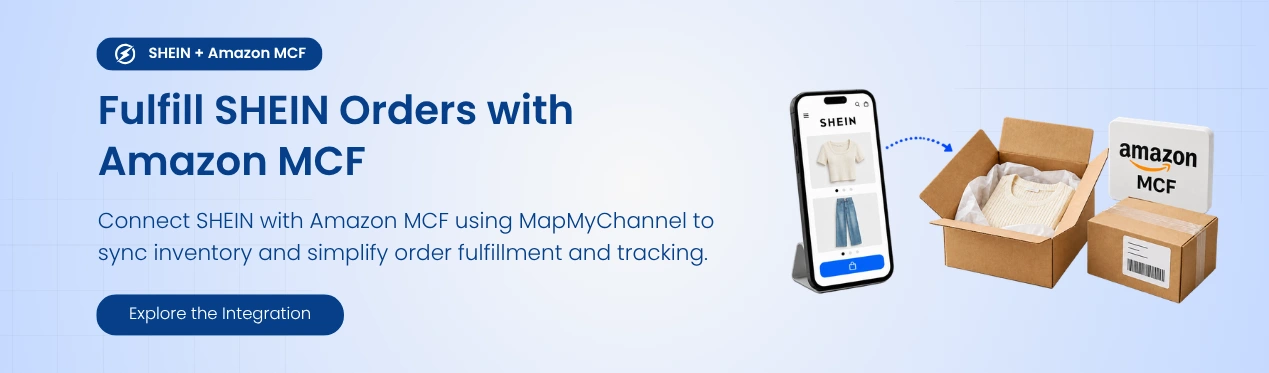
What Happens When a Customer Places a SHEIN Order?
Here is a sample of what occurs in an automated sales cycle to help the seller visualize day-to-day workflow:
- A customer purchases from the SHEIN catalog, adds it to their shopping cart, and pays.
- The integration retrieves the new order and imports customer data into the dashboard.
- The software identifies the correct product from the inventory using the SKU. Links the order to the inventory item through this process.
- The Integration Software automatically sends order details to Amazon MCF to initiate the fulfillment.
- Amazon picks and packs the order by retrieving the physical product and securely packing it for shipment.
- The logistics partner delivers the parcel to an express postal provider to the customer's address.
- Once the order ships and tracking information becomes available, the integration retrieves the shipment details.
- MapMyChannel updates the tracking information back to SHEIN to notify the seller and customer.
Benefits of Using Amazon MCF to Fulfill SHEIN Orders
Embracing modern ecommerce automation to run a retail business brings several powerful advantages that can help a seller beat the competition:
1. Simplified Inventory Management
Sellers may not need to split their inventory across multiple fulfillment locations or store products at home. Instead, they can store inventory in Amazon's fulfillment network to fulfill eligible orders. This can simplify inventory management and reduce the effort required to coordinate stock.
2. Rapid Delivery Speeds
Businesses using Amazon MCF can access Amazon's fulfillment network and available shipping options. This streamlines shipping, offers delivery options based on service availability, and manages customer delivery expectations more effectively.
3. Automated Backend Operations
Combining an inventory management system with an order management system reduces manual tasks. Automating order details and inventory levels reduces manual data entry and gives businesses extra time to focus on marketing.
4. Improved Order Accuracy
Digital scanning tools track every single package movement through the fulfillment process. This automated check eliminates simple human errors, lowers return rates, and builds robust brand trust.
Final Takeaway
Successful eCommerce businesses need efficient fulfillment processes to manage growing order volumes. A centralized multichannel integration setup is a prerequisite to use Amazon MCF to fulfill eligible SHEIN orders without the administrative fatigue. Businesses connect their SHEIN storefront to Amazon MCF using MapMyChannel to reduce manual shipping label drafting and monitor stock.
With this smart integration, order and inventory information get synced seamlessly, preventing overselling before losing time and money, and allowing customers to receive their orders quickly. Step away from the operational workload by letting automation do the heavy lifting. Detach from the everyday hassles of logistics and budget and maintain your seller metric health. Businesses can focus on growing a profitable international brand.
FAQs
Can Amazon fulfill SHEIN orders?
Yes, Amazon Multi-Channel Fulfillment (MCF) can fulfill eligible orders placed on other sales channels, including supported SHEIN orders. The purchase is placed on SHEIN, while Amazon handles the picking, packing, and shipping through its fulfillment network.
Is FBA the same as MCF?
No, they serve different sales channels. Fulfillment by Amazon (FBA) handles only orders that are placed on Amazon, while Amazon Multi-Channel Fulfillment (MCF) fulfills orders placed on external sales channels. Both options draw from the same inventory pool.
How does MapMyChannel match products?
MapMyChannel uses SKU mapping to link product listings together. This digital link ensures the system always deducts stock from the correct product when a sale happens.
What happens if the warehouse runs out of stock?
The system cannot ship items that are out of stock. Set up live inventory alerts and use inventory buffers to prevent customer orders from getting stuck.
Get in Touch

.webp)

.webp)


